Website QA usually breaks down for one of two reasons: nobody runs it often enough, or nobody trusts the result.
Playwright solves the first problem by giving you a real browser test framework with assertions, isolation, parallelization, HTML reports, and UI mode. GitHub Actions solves the second problem by running the checks automatically whenever code changes land in the repository.
That combination is especially useful for service websites, where a small layout bug on a contact page or service page can quietly cost leads.
Why This Matters Now
Playwright’s current docs are very explicit about the developer experience. You can install it quickly, run tests headless in parallel, inspect HTML reports, and use UI mode when a test needs debugging. The docs also recommend adding a GitHub Actions workflow during setup, which is a good hint about the intended production path.
GitHub Actions itself is designed for build, test, and deployment automation inside the repository. That makes it a natural place to run website smoke tests whenever a branch is updated.
What To Test First
Do not start with every page on the site.
Begin with the small set of pages that matter most to a service business:
- The homepage.
- The main service page.
- The contact or quote form.
- The blog listing or recent-posts area.
- One mobile layout check for navigation and CTAs.
If those pages work, most of the site is probably healthy enough to ship.
A Practical Workflow
The useful pattern is simple:
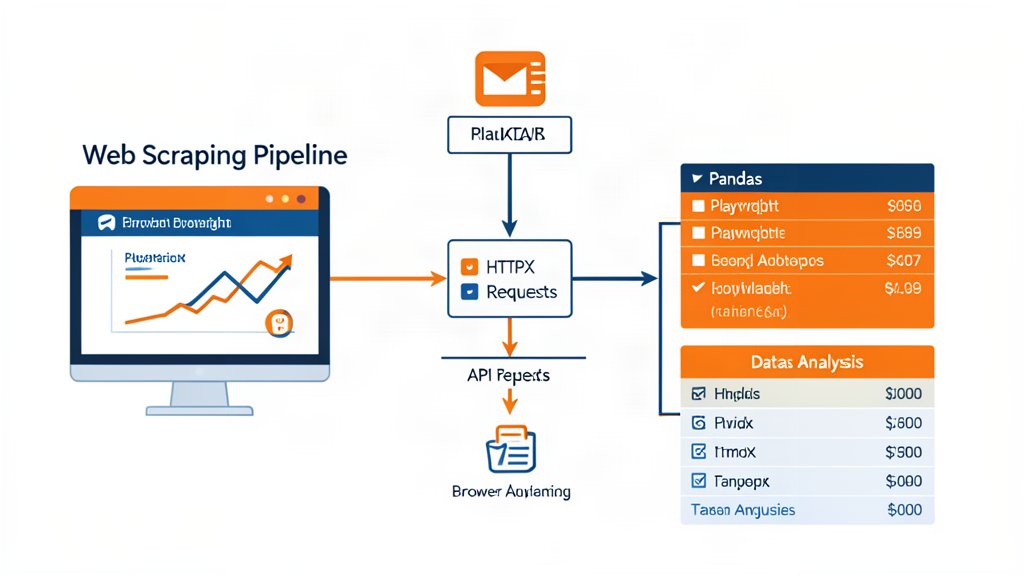
- Write Playwright tests around the critical user paths.
- Run them locally while building the page.
- Trigger the same tests in GitHub Actions on push.
- Review the HTML report or trace when something fails.
- Only promote the change when the obvious user journeys still work.
That gives you automated proof that the site still behaves like a working business asset, not just a collection of rendered pages.
What To Watch
The best automated QA stays focused on behavior, not snapshots for their own sake.
If a service page loses its CTA, if the mobile menu breaks, or if the form stops submitting, the test should catch that. If the test suite gets broad enough that nobody reads the failures, the system has already drifted too far.
Practical Rule
Use browser automation for the paths that actually generate work or revenue. If the site can still receive a lead, explain a service, and behave properly on mobile, the release is probably safe enough to continue.
Official resources: Playwright and GitHub Actions.
Related areas
Related What I Do
These What I Do pages are matched from the subject matter of this article, creating a cleaner path from educational content to implementation work.
Continue reading
Related articles
Based on shared categories first, then the strongest overlap in tags.