Monthly website reporting is usually too manual for the value it provides.
The raw data is spread across analytics, search tools, and dashboards, and people still end up copying numbers into slides or emails. For a service website, that slows down the feedback loop on the pages that actually matter: the homepage, service pages, contact paths, and the blog posts that support them.
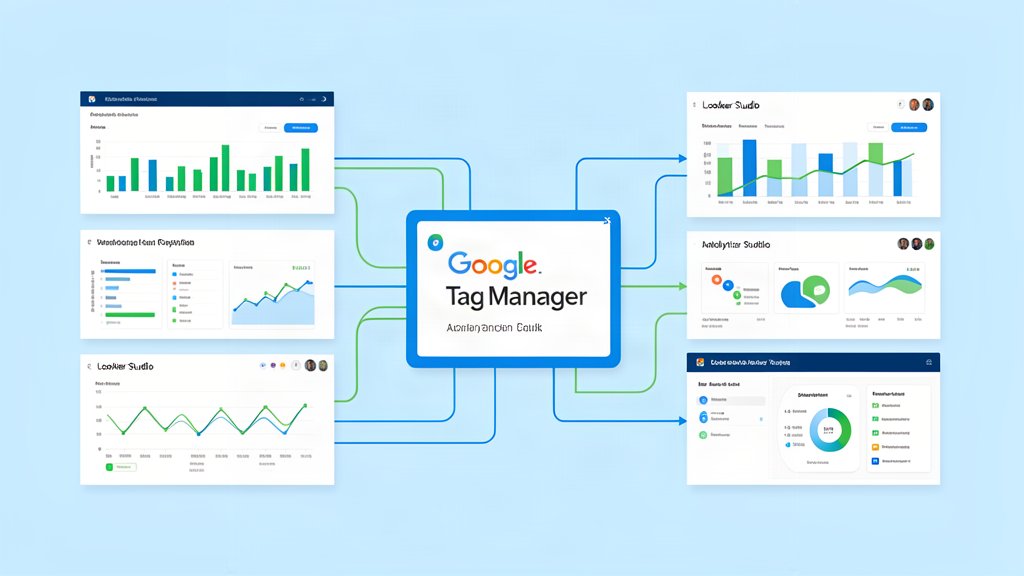
Google Analytics 4, Search Console, and Looker Studio fit together well because each one answers a different question.
Why This Matters Now
Google Analytics 4 is now the default analytics model for websites and apps. Google’s current guidance highlights event-based data, cookieless measurement, and direct integrations that support modern measurement planning.
Search Console is the search-side companion. It tells you whether Google can crawl the site, whether indexing has problems, what queries bring people in, and where errors or security issues appear.
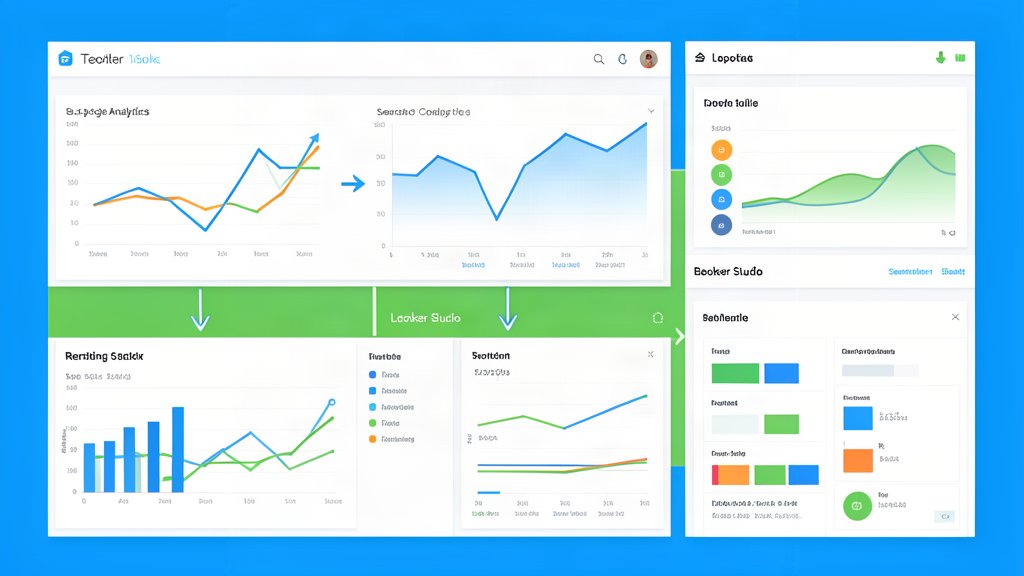
Looker Studio is the reporting layer. It turns those inputs into something the team can review without opening three different tools every time they want the same answer.
What A Good Monthly Report Should Show
For a service business, the report should answer a few obvious questions:
- Which pages generated the most qualified traffic.
- Which service pages produced the most leads.
- Which search queries are rising or falling.
- Which pages need better internal linking or clearer CTAs.
- Whether the site is gaining or losing visibility on the right topics.
If the report does not lead to a decision, it is too broad.
A Practical Workflow
The most useful setup is usually:
- Use GA4 for behavioral and conversion data.
- Use Search Console for crawl and query data.
- Use Looker Studio for a shared monthly dashboard.
- Keep one summary tab for leadership and one detail tab for the people doing the work.
- Review the same set of pages every month so trends are comparable.
That consistency matters more than a fancy dashboard theme.
What To Watch
Do not report everything just because the tools allow it.
The best dashboard for a service site is the one the team can actually read in a few minutes. If the numbers do not help someone decide what to improve on the website next, they are just decoration.
Practical Rule
If the monthly report helps you decide what to fix on the site, what to write next, and what to promote, the automation is worth keeping.
Official resources: Google Analytics, Search Console, and Looker Studio.
Related areas
Related What I Do
These What I Do pages are matched from the subject matter of this article, creating a cleaner path from educational content to implementation work.
Continue reading
Related articles
Based on shared categories first, then the strongest overlap in tags.