Goran Štimac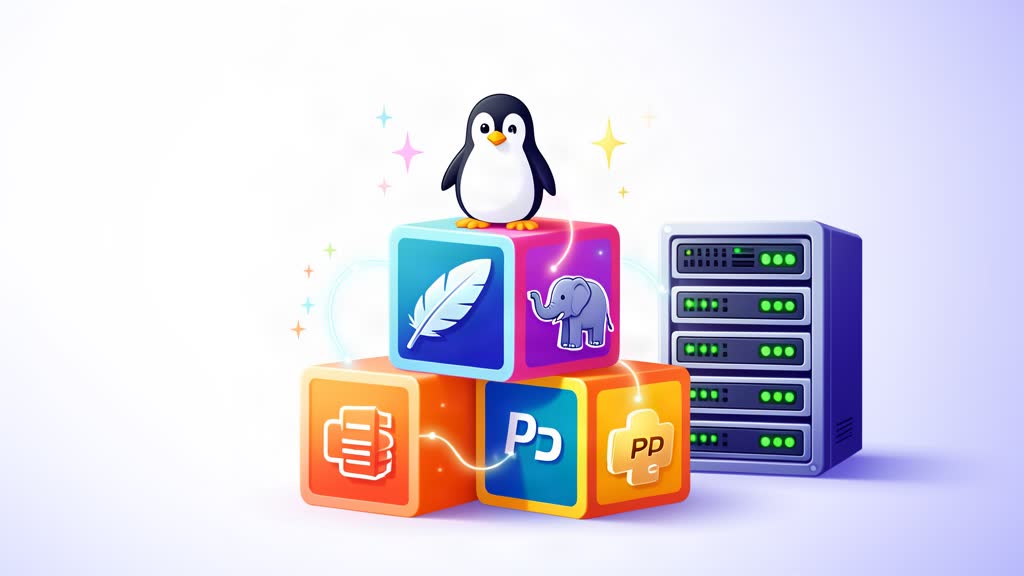
Što je LAMP
LAMP je arhetipski model skupa web servisa, naziv skraćen od početnih slova četiri originalne open source komponente: Linux operativni sustav, Apache HTTP poslužitelj, MySQL sustav za upravljanje relacijskim bazama podataka (RDBMS) i PHP programski jezik.
LAMP je najčešće okruženje za popularne PHP aplikacije poput WordPressa, Joomla, Drupla, Magenta, Laravela i mnogih drugih.
Postavljanje LAMP stacka
Instalirajte Apache i prilagodite vatrozid za web promet:
sudo apt update
sudo apt install apache2
sudo ufw allow in "Apache Full"
Instalirajte MySQL:
sudo apt install mysql-server
sudo mysql_secure_installation
sudo mysql
Konfigurirajte root račun za autentifikaciju lozinkom, ne zaboravite promijeniti password u svoju lozinku:
SELECT user,authentication_string,plugin,host FROM mysql.user;
ALTER USER root@localhost IDENTIFIED WITH mysql_native_password BY password;
FLUSH PRIVILEGES;
exit
Instalirajte PHP:
sudo apt install php libapache2-mod-php php-mysqlSavjet: Na modernim Debian/Ubuntu izdanjima, zadani PHP je PHP 8.x — znatno brži od PHP 7.x s boljom JIT kompilacijom. Za pokretanje popularnih CMS aplikacija poput WordPressa ili Joomle, instalirajte i ove često potrebne ekstenzije:
sudo apt install php-curl php-xml php-mbstring php-zip php-gd php-intlNe zaboravite provjeriti vatrozid:
sudo ufw statustreba prikazivati “Apache Full” kao aktivno. Ako je UFW onemogućen, uključite ga ssudo ufw --force enable && sudo ufw allow Apache Full.
Vatrozid i moduli
Provjerite da vaš vatrozid dopušta HTTP promet:
sudo ufw allow Apache
sudo ufw reload
Za WordPress, Joomlu ili Laravel, instalirajte uobičajene PHP ekstenzije:
sudo apt install php-curl php-xml php-mbstring php-zip php-gd php-intlModerni PHP 8.x (zadani na Debian 13 i Ubuntu 24.04) radi otprilike 2–3 puta brže od PHP 7.4 za većinu aplikacija.
Povezana područja
Savjetodavna područja vezana uz ovu temu
Ova su područja rada usklađena s temom članka i daju čišći prijelaz od edukativnog sadržaja do konkretne implementacije.
Nastavite čitati
Povezani članci
Prvo po zajedničkim kategorijama, a zatim po najjačem preklapanju u tagovima.