Goran Štimac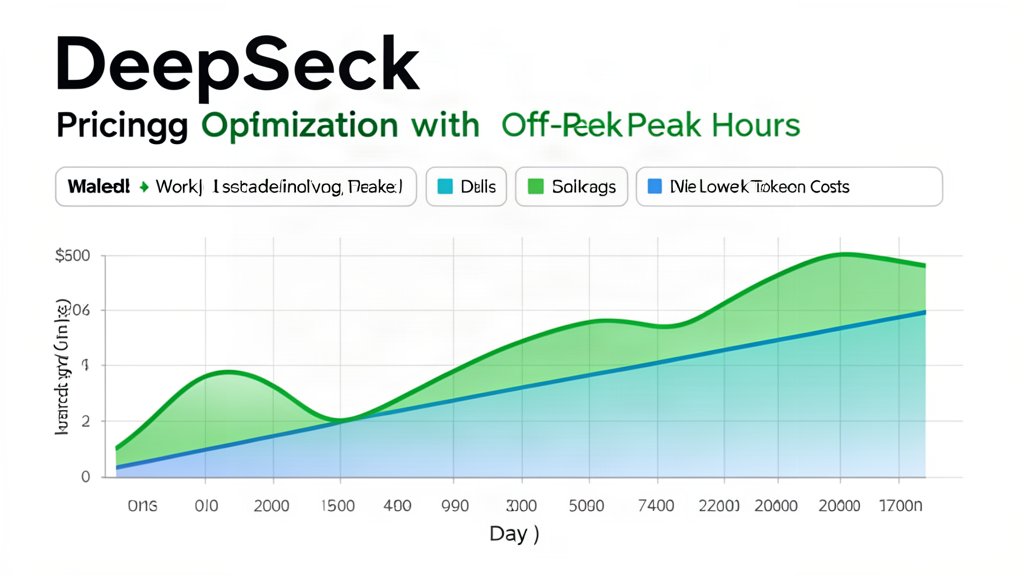
DeepSeek Peak Hours Pricing: How to Schedule Workloads Around the New Cost Curve
DeepSeek’s latest pricing conversation is no longer just about model quality. It is also about when you send requests, how you batch them, and whether your app can tolerate a little delay in exchange for a lower bill. The official docs now center V4 Flash and V4 Pro, both with 1M-token context, clear cache-hit and cache-miss pricing, and output costs that can add up quickly if you treat every request as interactive.
What changed
The big SEO keyword here is not only “DeepSeek pricing” but also “token budgeting.” DeepSeek’s V4 family makes cost a planning problem. Flash is the throughput-friendly option; Pro is the higher-capability tier. If your workload includes summarization, offline enrichment, or nightly processing, you can usually move more of it out of the expensive window and toward scheduled runs. That is where peak-hour thinking matters.
How to reduce spend without cutting quality
1. Batch work that does not need an instant response
Group document analysis, report drafting, and content tagging into scheduled jobs. Even a small delay can unlock better economics if it keeps you from running the same volume during the busiest period.
2. Use cache hits on repeat prompts
DeepSeek’s pricing page makes the cache-hit vs. cache-miss gap obvious. Reusable system prompts, stable templates, and repeated context blocks are the easiest way to make your token bill less noisy.
3. Match the model to the task
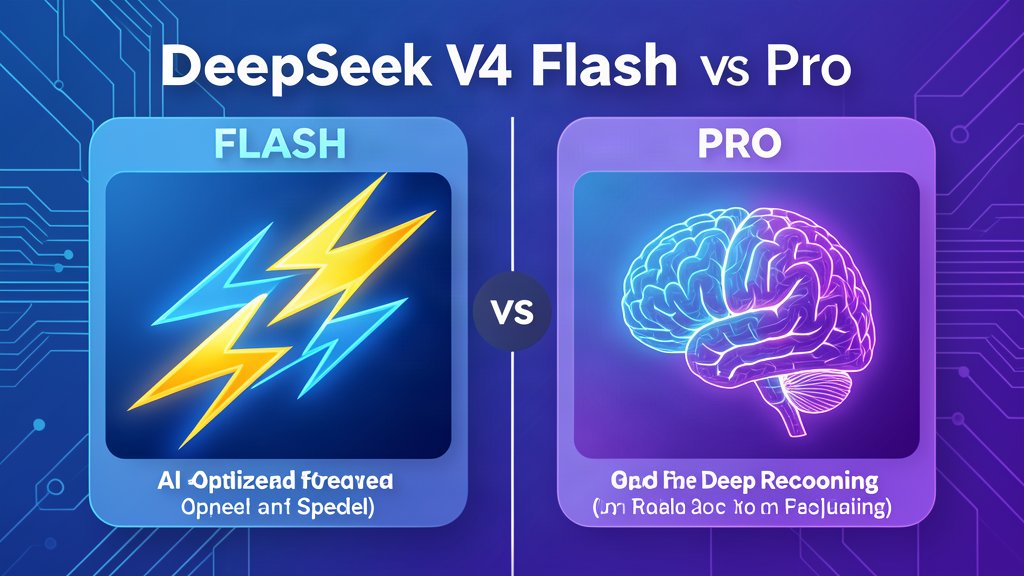
Flash is the better fit for bulk classification, extraction, and quick drafts. Pro belongs in the steps where quality, reasoning depth, or agentic tool use matters more than raw throughput.
flowchart LR
  A[Inbound requests] --> B{Needs instant response?}
  B -- No --> C[Batch or schedule]
  B -- Yes --> D[Use Flash or Pro]
  C --> E[Lower token spend]
  D --> F[Choose model by task]
Internal links and search intent
Model choice is the other half of the pricing story. DeepSeek V4 Flash vs Pro covers when Flash is enough and when Pro is worth the extra cost; pricing then decides when that work should run.
Bottom line
DeepSeek’s new cost curve rewards teams that think in windows, queues, and reusable prompts instead of one-off chats. If your product can batch the work, cache the context, and reserve the strongest model for the highest-value step, the pricing update becomes an optimization opportunity rather than a surprise.
Related areas
Related What I Do
These What I Do pages are matched from the subject matter of this article, creating a cleaner path from educational content to implementation work.
Continue reading
Related articles
Based on shared categories first, then the strongest overlap in tags.