Goran Štimac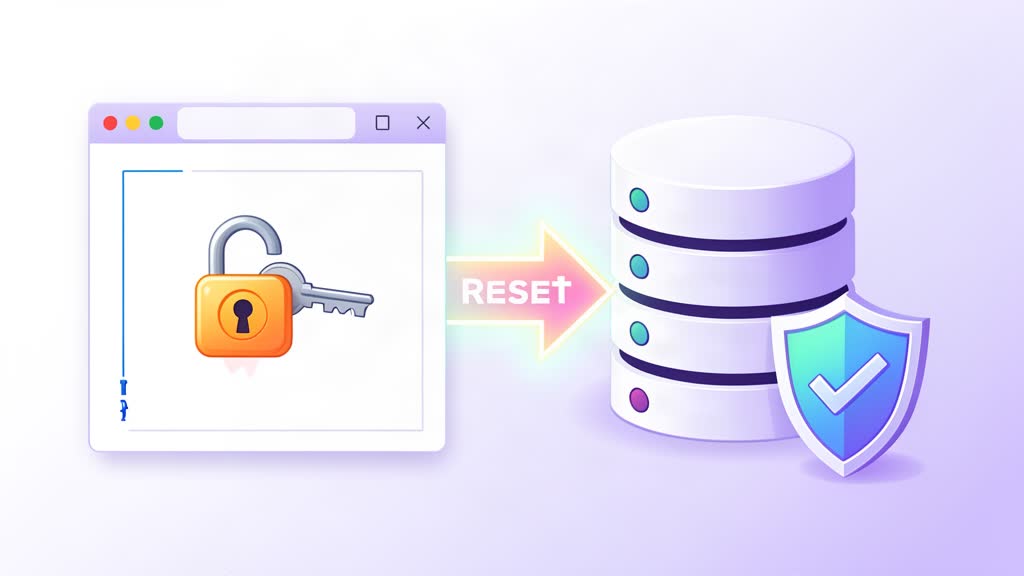
Pogledajte naziv baze podataka koju koristi WordPress. Naziv baze možete pronaći u wp-config.php datoteci ili možete koristiti naredbu:
grep DB_NAME wp-config.phpZanima nas ova linija:
define( DB_NAME, wpdatabase );Kada saznamo naziv baze, trebamo se spojiti na nju naredbom:
mysql -u root -p wpdatabaseSada trebamo pronaći korisnika pomoću naredbe slične ovoj, prilagodite je po potrebi:
SELECT ID, user_login, user_pass, user_email FROM wp_users;Kada pronađemo korisnika, najlakše ga je odabrati po ID-u. Najčešće je administratorov ID 1 jer je riječ o prvom stvorenom korisniku. Naredba za upis nove lozinke izgleda ovako:
UPDATE wp_users SET user_pass = MD5(my-new-password-here) WHERE ID = 1;
quit;
Napomena: Moderni WordPress koristi PHP password hashing (phpass) — ne obični MD5. MD5 hash postavljen gore automatski se nadograđuje na jači hash pri prvoj uspješnoj prijavi, tako da lozinka radi odmah. Za čišći pristup na serverima gdje je WP-CLI instaliran, koristite:
wp user update 1 --user_pass="my-new-password-here" --path=/var/www/htmlWP-CLI automatski rješava hashiranje i manje je sklon greškama od ručnog SQL unosa.
To je to, sada pokušajte ponovno prijaviti se u WordPress administraciju.
Alternativa: WP-CLI
Ako je WP-CLI instaliran, resetiranje lozinke je jedna naredba:
wp user update 1 --user_pass=novalozinka --path=/var/www/htmlOvo koristi WordPressovo ugrađeno hashiranje i izbjegava izravan pristup bazi. Instalirajte WP-CLI s wp-cli.org. Koristite jaku, jedinstvenu lozinku za svaki admin račun — sprječava neovlašten pristup čak i ako su drugi podaci kompromitirani.
Povezana područja
Savjetodavna područja vezana uz ovu temu
Ova su područja rada usklađena s temom članka i daju čišći prijelaz od edukativnog sadržaja do konkretne implementacije.
Nastavite čitati
Povezani članci
Prvo po zajedničkim kategorijama, a zatim po najjačem preklapanju u tagovima.