Performance audits are better when each tool is used for a specific layer of the problem.
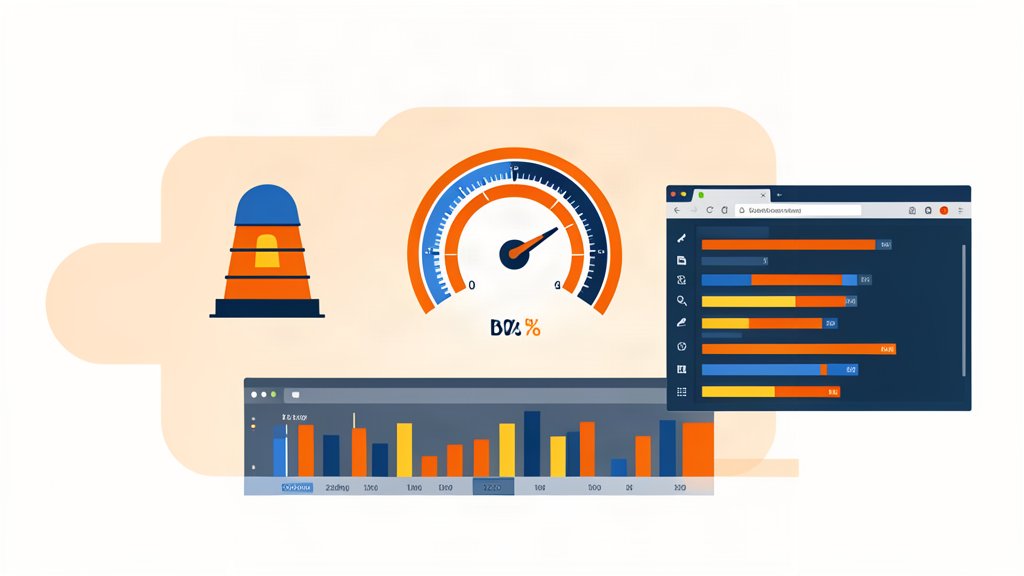
Lighthouse gives a quick baseline. WebPageTest shows how the page behaves in the real world. Chrome DevTools helps trace what the browser is actually doing when the page loads.
Use The Right View Of The Problem
A single score is not enough. A page can look fine in one test and still feel slow because of script execution, layout shifts, or a heavy image path.
That is why I use these tools together. They answer different questions and help separate visible symptoms from the real cause.
Lighthouse is the fastest first pass because it gives you audits for performance, accessibility, SEO, and best practices in one place. WebPageTest goes deeper by letting you test across browsers, devices, and connection profiles. Chrome DevTools is the live debugging layer, where you can inspect network waterfalls, trace performance, and see the browser state directly.
That combination mirrors how modern sites fail in practice. The issue is rarely one thing. It is usually a mix of script cost, image weight, layout work, or a slow backend response that only becomes visible when you look at the full chain.
Keep The Fix List Honest
If the report points to render-blocking code, image weight, or script cost, the fix should follow the evidence. It is easy to make a page look better on paper without improving the experience.
The best workflow is usually:
- Run Lighthouse for a quick baseline.
- Confirm the issue in WebPageTest.
- Use DevTools to inspect the request, layout, or script path.
- Make one change at a time and retest.
Chrome DevTools has also become more AI-aware, which makes it easier to inspect problems quickly when the team wants help with console errors, styles, and network behavior. That is useful, but it does not replace the discipline of comparing before and after results.
What To Watch Most Closely
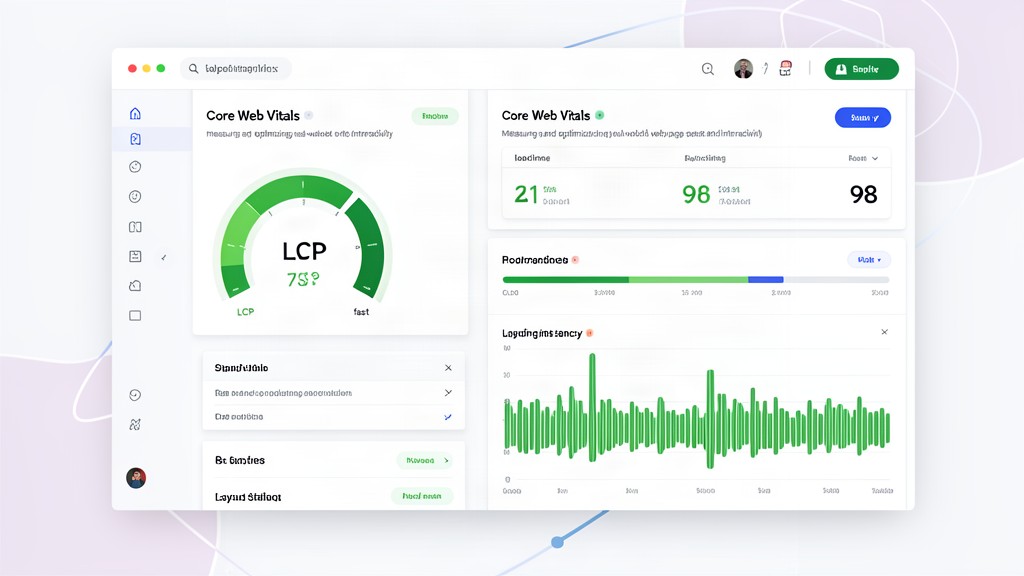
- Core Web Vitals, especially LCP, CLS, and INP.
- Image delivery and responsive formats.
- Script execution and third-party overhead.
- Caching, compression, and the backend response path.
Practical Rule
Audit performance with one simple idea: do not stop at the number. Stop when you understand why the page feels the way it does.
Official resources: Lighthouse, Chrome DevTools, and WebPageTest.
Related areas
Related What I Do
These What I Do pages are matched from the subject matter of this article, creating a cleaner path from educational content to implementation work.
Continue reading
Related articles
Based on shared categories first, then the strongest overlap in tags.