Podman is most useful when you keep the goal narrow.
It is not about recreating a giant platform on day one. It is about running containerized workloads in a way that stays understandable on a developer machine or a small Linux server.
That is still the practical reading of the current Podman docs. The project is not presenting itself as a giant all-in-one cloud control plane. It is presenting a daemonless container engine, a Linux REST API service, remote clients for Linux, macOS, and Windows, and a workflow that stays close to OCI containers and normal host administration.
Start With Rootless by Default
One of Podman’s biggest practical strengths is that you can begin from a rootless model instead of treating it as an afterthought.
That makes it attractive for developers who want to run app containers, databases, or utility services without normalizing privileged container workflows everywhere.
For small teams, this often means a cleaner operational baseline. Each user can own the containers they run, and the runtime feels closer to regular Linux process management.
That model is especially useful on shared development machines, internal servers, and self-managed VPS setups where not every container task should imply broad host privileges.
Keep the Workload Shape Small and Explicit
Podman works best when the service layout is easy to explain.
A web app, a database, and maybe a reverse proxy is a good example. Once the setup starts turning into a maze of interdependent services, the value of “simple container operations” starts to drop and orchestration concerns begin to dominate.
That is why Podman is a strong choice for:
- local development environments,
- internal tools,
- small application servers,
- low-complexity self-hosted services.
The runtime stays useful when the deployment model remains legible.
If the workload needs Kubernetes-style grouping before it needs Kubernetes itself, Podman’s pod support is one of the more useful current features to pay attention to. That keeps the bridge between local container work and cluster-style packaging shorter than many people expect.
Use Linux-Native Service Management Instead of Hiding It
One reason Podman works well on servers is that it does not try to replace the operating system’s service model.
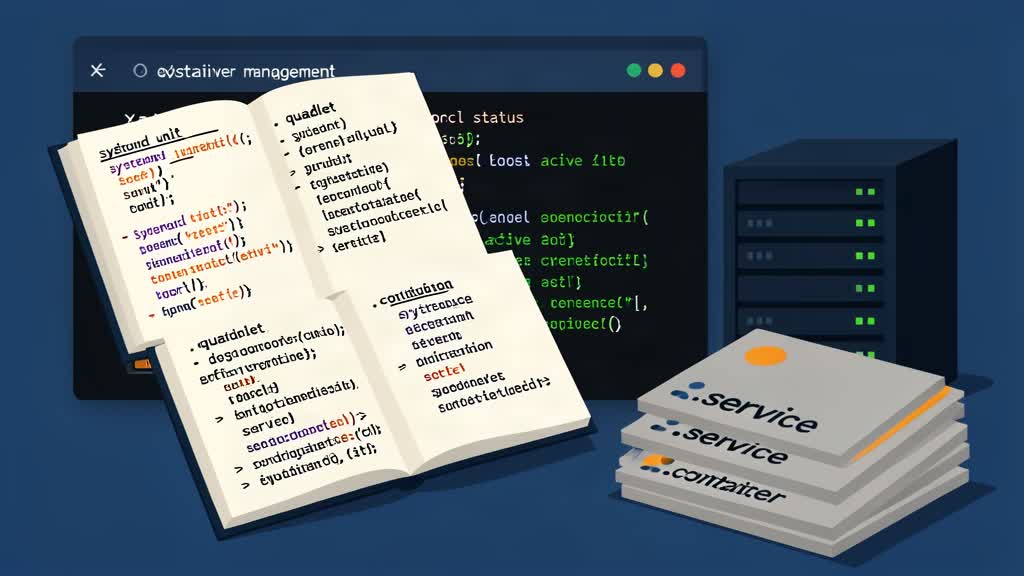
If the container should behave like a managed service, let the host manage it clearly. On Linux, that often means leaning into systemd integration instead of inventing a parallel operations story.
That keeps restart behavior, logs, and service lifecycle closer to the rest of the machine.
This is where Podman feels current in 2026: not because it promises magic, but because it keeps containers closer to ordinary Linux operations.
Do Not Force Podman To Behave Like Something Else
Teams sometimes make container migrations harder by trying to preserve every old habit exactly.
That is usually the wrong move. If you choose Podman, use it for the reasons it is strong: rootless execution, daemonless operation, explicit processes, and clean Linux integration.
If the team mostly wants a familiar Docker-centered ecosystem with no workflow changes, then Docker may remain the more natural fit. The tool should match the operational instinct of the team.
That matters even more now because Docker is not just a runtime story anymore. The Docker platform is increasingly packaged around Desktop, Hub, hardened images, supply chain tooling, and a broader developer ecosystem. If that wider platform is what the team actually wants, a pure Podman replacement story may be the wrong goal.
Bottom Line
Podman is a strong option for rootless containers and small server workloads when you want the runtime to stay close to normal Linux administration. The simpler and more explicit the workload, the more Podman tends to make sense.
References: Podman and Podman Documentation.
Related areas
Related What I Do
These What I Do pages are matched from the subject matter of this article, creating a cleaner path from educational content to implementation work.
Continue reading
Related articles
Based on shared categories first, then the strongest overlap in tags.