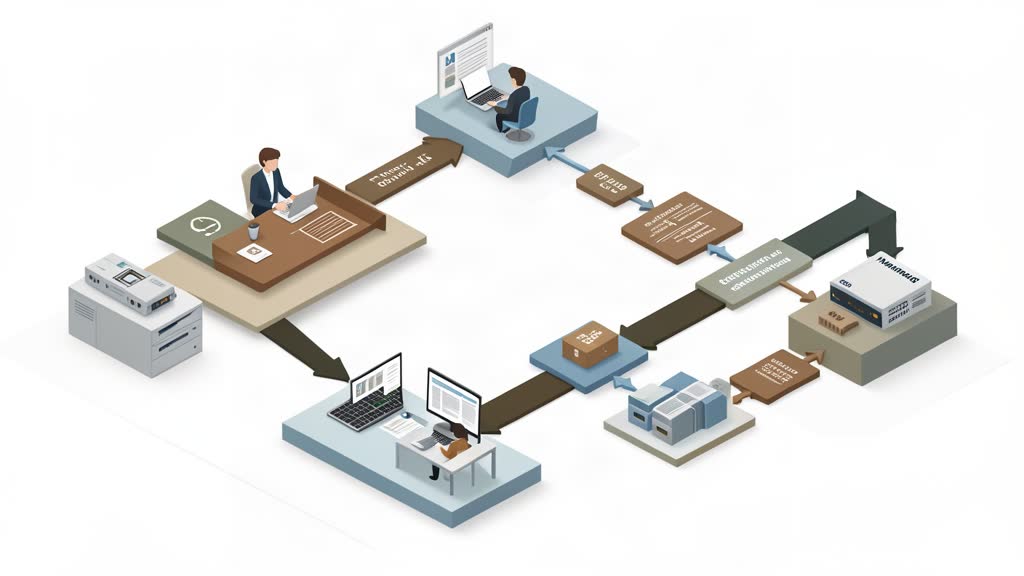
Enterprise web systems usually pull in opposite directions.
Security teams want stronger controls, identity integration, and clear governance. Editorial teams want fast authoring, previews, and less friction. Frontend teams want pages that stay fast and do not drown in unnecessary JavaScript.
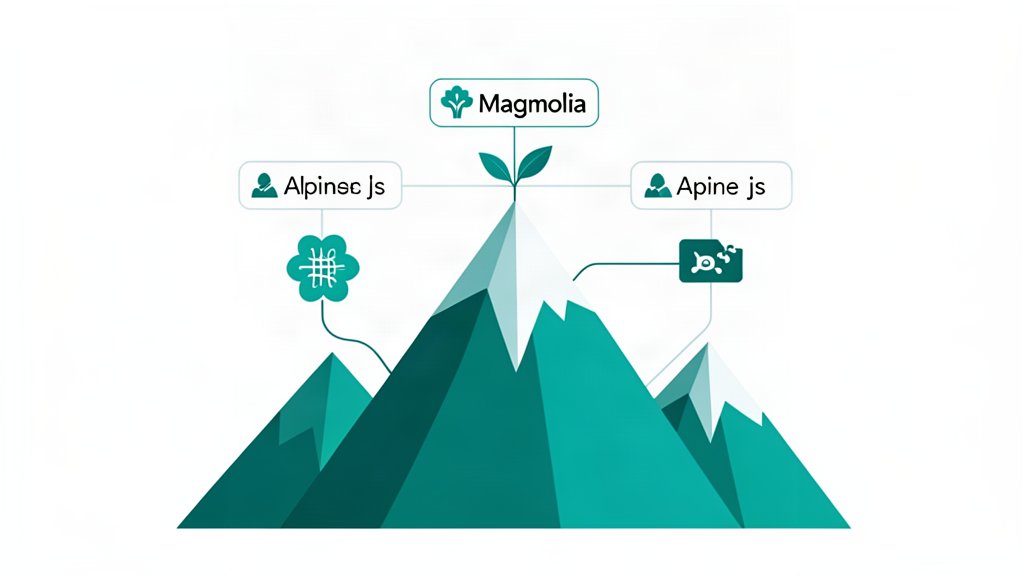
Magnolia and Alpine.js can be a sensible combination when you want to respect all three concerns instead of letting one dominate the others.
Magnolia Handles The Governance Side
Magnolia’s security material is clearly aimed at organizations with real compliance and control requirements. It highlights a trust center, certifications such as ISO 27001 and SOC 2, deployment choices across managed and self-hosted models, centralized identity support, and granular governance.
That does not automatically make a project secure, but it does show the platform is built for environments where security and operating model decisions are first-order concerns.
Alpine Helps Keep The Frontend Small
On the frontend side, Alpine.js is useful precisely because it does less.
For dropdowns, accordions, filters, dismissible notices, tabs, and similar patterns, Alpine can add interaction with a tiny mental and runtime footprint compared with a larger app framework.
That matters when pages should stay fast and understandable, especially on content-heavy properties where most of the value is still in server-rendered content.
The Architectural Split Is Healthy
A healthy split looks something like this:
- Magnolia owns identity-aware authoring, permissions, workflow, and content delivery.
- The rendered frontend stays mostly HTML and CSS.
- Alpine adds only the client behavior that genuinely improves the page.
This reduces the chance that frontend complexity grows just because the CMS environment is enterprise-grade.
What To Watch Carefully
The risk is not in the tools themselves. The risk is in letting boundaries blur.
If the CMS becomes overcustomized to patch frontend design problems, or Alpine starts carrying too much application logic, the system gets harder to secure and maintain. Clear ownership matters more than tool hype.
Bottom Line
Balancing security, authoring, and speed is mostly an architecture discipline problem. Magnolia helps on the governance and platform side. Alpine helps on the restraint side by keeping interactive behavior small.
That balance is often better than solving every requirement with one oversized frontend stack.
References: Magnolia Security, Magnolia Headless CMS, Alpine.js.
Related areas
Related What I Do
These What I Do pages are matched from the subject matter of this article, creating a cleaner path from educational content to implementation work.
Continue reading
Related articles
Based on shared categories first, then the strongest overlap in tags.