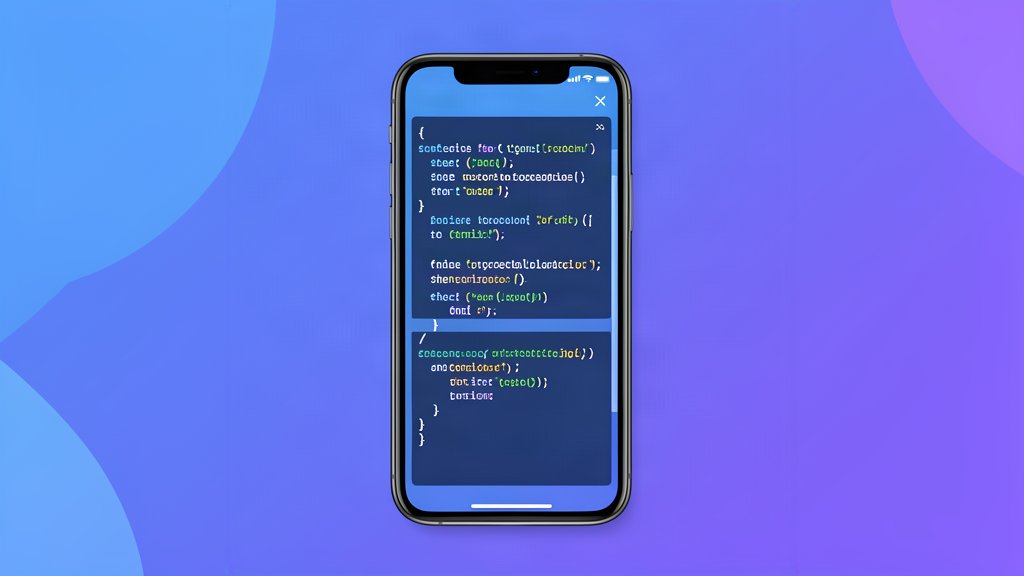
Technical articles often break on mobile for a simple reason: code lines are longer than the screen. If the layout does not contain that overflow, the entire page can become wider than the viewport.
The fix is not to shorten the code until it becomes useless. The fix is to let the code block scroll on its own.
Make The Block Scroll, Not The Page
The important part is to keep the overflow inside the <pre> element.
article {
  min-width: 0;
}

pre {
  max-width: 100%;
  overflow-x: auto;
  white-space: pre;
  -webkit-overflow-scrolling: touch;
}

pre code {
  display: block;
  min-width: max-content;
}
That combination keeps long lines intact while allowing the reader to scroll horizontally inside the block.
Make The Parent Layout Flexible
If the code block sits inside a grid or flex layout, the parent also needs to shrink properly. Without that, the child can force the whole article wider than the viewport.
In practice, that usually means adding min-width: 0 to the wrapper that contains the prose content.
<article class="min-w-0">
  <div class="prose min-w-0">
    <!-- content -->
  </div>
</article>
This is a small change, but it solves a large number of mobile overflow problems.
Keep The Code Useful
Do not wrap code manually just to make it fit the screen. That often makes the example harder to read and can even break copy and paste.
Instead, keep the original formatting and let the block handle its own scrolling. That is better for readers and better for the long-term maintainability of the article.
The same rule applies to tables and wide embeds. If the content is inherently wider than the phone screen, contain the overflow instead of letting the page itself expand.
Test On A Real Phone Width
You can catch most issues by testing a narrow viewport in the browser dev tools, but it is still worth checking on an actual device if the article contains a lot of code.
If the page does not force horizontal scroll and the code can be read without breaking the layout, the article is ready.
That is the standard I use for technical blog posts now: readable on desktop, contained on mobile, and still easy to copy from.
Related areas
Related What I Do
These What I Do pages are matched from the subject matter of this article, creating a cleaner path from educational content to implementation work.
Continue reading
Related articles
Based on shared categories first, then the strongest overlap in tags.