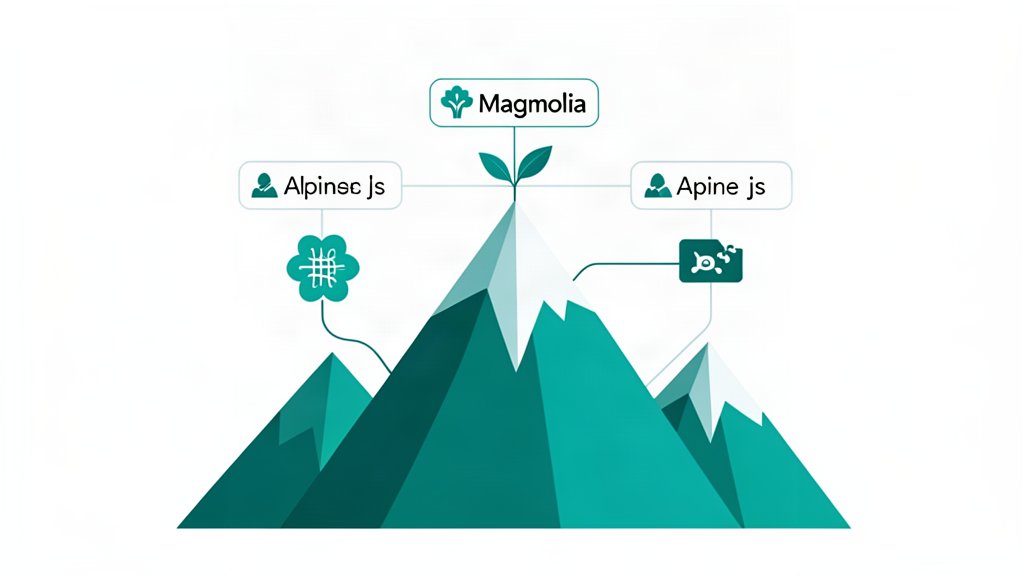
When a page is driven by CMS content, most of the frontend usually does not need a large framework. It needs a small amount of behavior in the right places.
That is the use case where Alpine.js is strongest.
Its basic model is simple: declare state with x-data, react to events with x-on or @click, render state with directives like x-text and x-show, bind inputs with x-model, and loop with x-for.
Start With Interactions, Not Framework Ambition
The right way to introduce Alpine on Magnolia-driven pages is to begin with the specific interaction problem.
Typical examples include:
- FAQ accordions,
- filterable resource lists,
- on-page search,
- promo banners that can be dismissed,
- tabs for grouped product or service information.
These are all behaviors Alpine can handle with very little ceremony.
Keep The Content In Magnolia And The State In Alpine
This boundary keeps the implementation clean.
Magnolia should decide what content exists, how it is structured, and what editors can manage. Alpine should decide whether a section is open, what the user typed into a filter field, or which tab is currently active.
If Alpine starts holding business-critical content logic, the page usually becomes harder to reason about.
Use Alpine To Enhance Server-Rendered HTML
The real strength here is progressive enhancement.
Render meaningful HTML from Magnolia first. Then let Alpine improve the experience with small amounts of stateful behavior. That preserves accessibility, keeps the base page readable, and avoids making content visibility depend on a big client-side boot process.
For Magnolia-driven pages, that is often exactly the right tradeoff.
A Good Rule Of Thumb
If the component can be described as “a page element with a little state,” Alpine is probably enough.
If the component needs complex data fetching, app-wide shared state, offline flows, or dense client-side orchestration, Alpine may stop being the right tool.
The discipline is to keep Alpine small on purpose.
Bottom Line
Alpine.js is useful on Magnolia-driven pages because it solves the boring but common interaction layer well. It gives content-rich pages enough behavior to feel modern without forcing a heavyweight frontend architecture onto every template.
That is a good outcome for many CMS-led projects.
References: Alpine Start Here, Alpine.js, Magnolia Headless CMS.
Related areas
Related What I Do
These What I Do pages are matched from the subject matter of this article, creating a cleaner path from educational content to implementation work.
Continue reading
Related articles
Based on shared categories first, then the strongest overlap in tags.