Drupal in 2026: What the Roadmap Says About the CMS Future
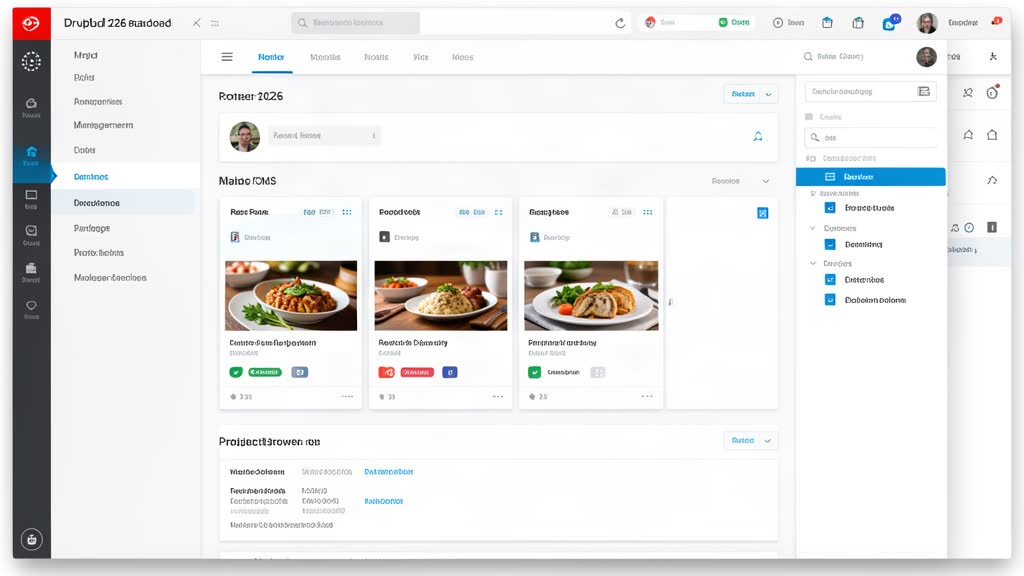
Drupal's 2026 direction — Drupal CMS, Recipes, Project Browser, and Automatic Updates — shows a platform trying to make enterprise CMS easier, not smaller.
Tag
15 matching blog articles with repeat coverage under this topic.
Tag wiki
Definition
A CMS (content management system) provides tools to create, edit, organize, and publish content without requiring code knowledge.
Why it matters
It matters when content authors need to manage publishing without deep technical skills.
In this archive
Here CMS appears in platform choice, content architecture, editor workflow, publishing automation, and decisions between headless, traditional, or static approaches. It currently appears in 15 articles and crosses 5 categories.
Nearest categories
CMS & Content Systems , Updates & Announcements , Static Sites & Astro , Automation & Integrations
Reference
Often appears with
Drupal's 2026 direction — Drupal CMS, Recipes, Project Browser, and Automatic Updates — shows a platform trying to make enterprise CMS easier, not smaller.
WordPress still matters in 2026, but only when it is treated as a managed publishing system with clear workflows, security discipline, and automation.
Drupal 11.4.0 ships July 1, 2026, with 3x faster page generation using 1/3 the database and cache lookups. Drupal AI 1.4.0 ships alongside.
Learn how Astro static site generator and CloudCannon headless CMS combine to deliver blazing-fast, SEO-optimized multilingual websites that non-technical clients can edit themselves. Includes Croatian localization tips.
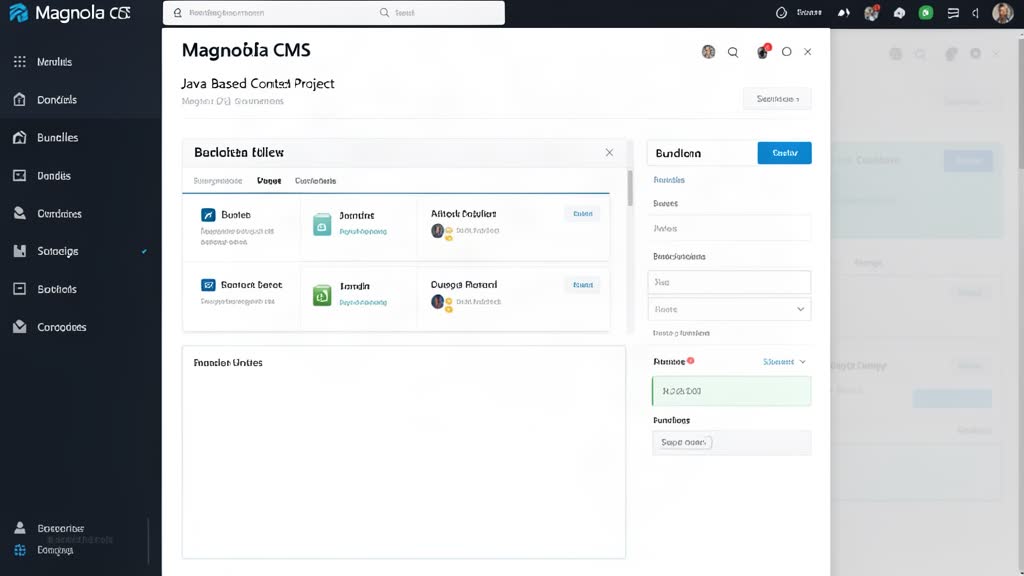
A basic Magnolia CMS setup goes more smoothly when the team starts with the official getting-started path, understands bundles and webapps, and uses Magnolia CLI to create a clean first project structure.
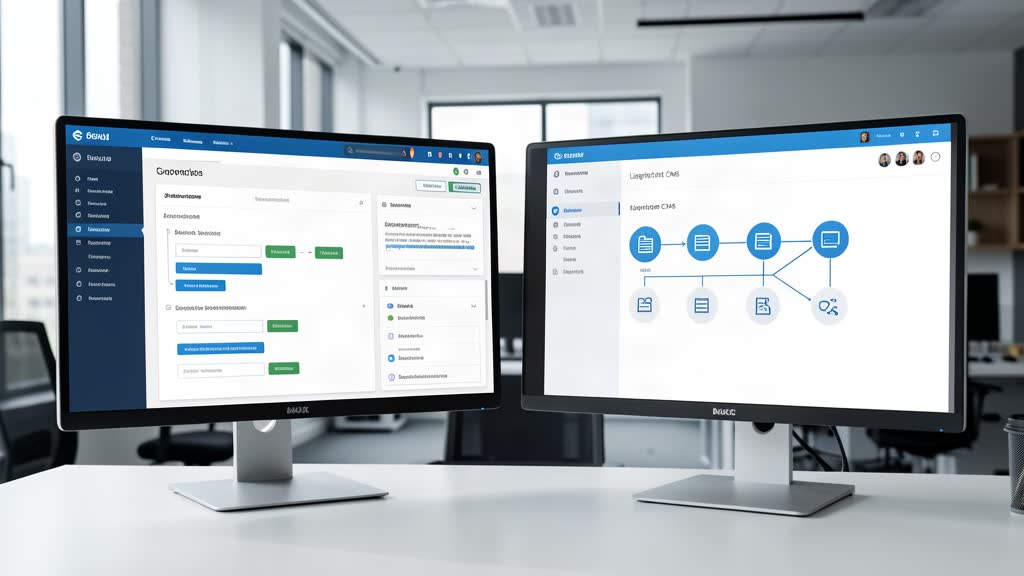
The right choice between Magnolia and a lighter CMS depends less on feature lists and more on workflow depth, integration pressure, governance needs, and the cost of long-term complexity.
A Magnolia migration goes better when the team treats authoring flows, approvals, content structure, and external dependencies as first-class migration scope instead of backend details.
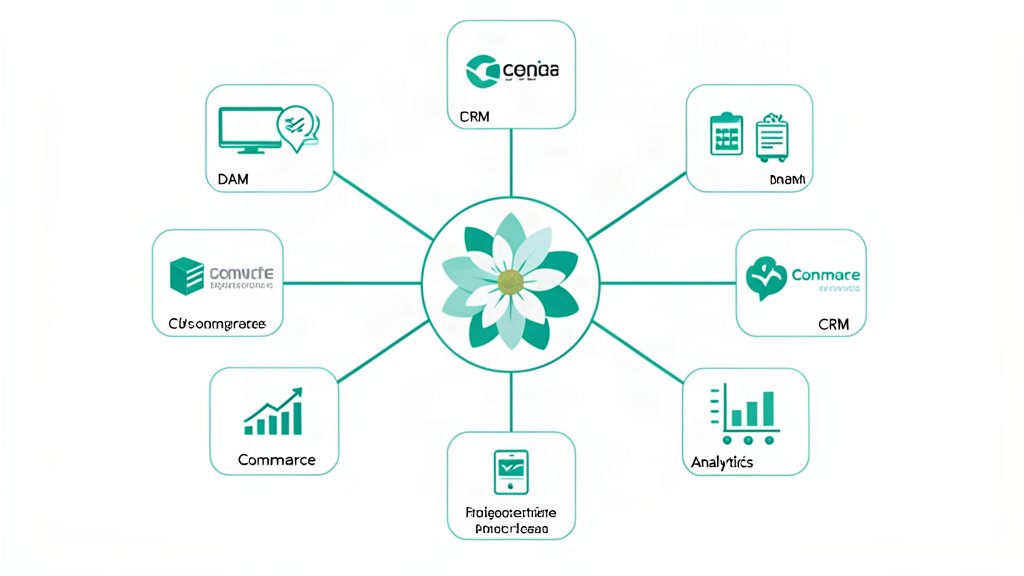
Magnolia's integration framework becomes valuable when teams need DAM, commerce, CRM, analytics, and optimization systems to feel like part of one publishing platform instead of a pile of custom glue code.
Alpine.js is useful on Magnolia-driven pages when the goal is to add filters, dropdowns, tabs, and small form behavior without overbuilding the frontend.
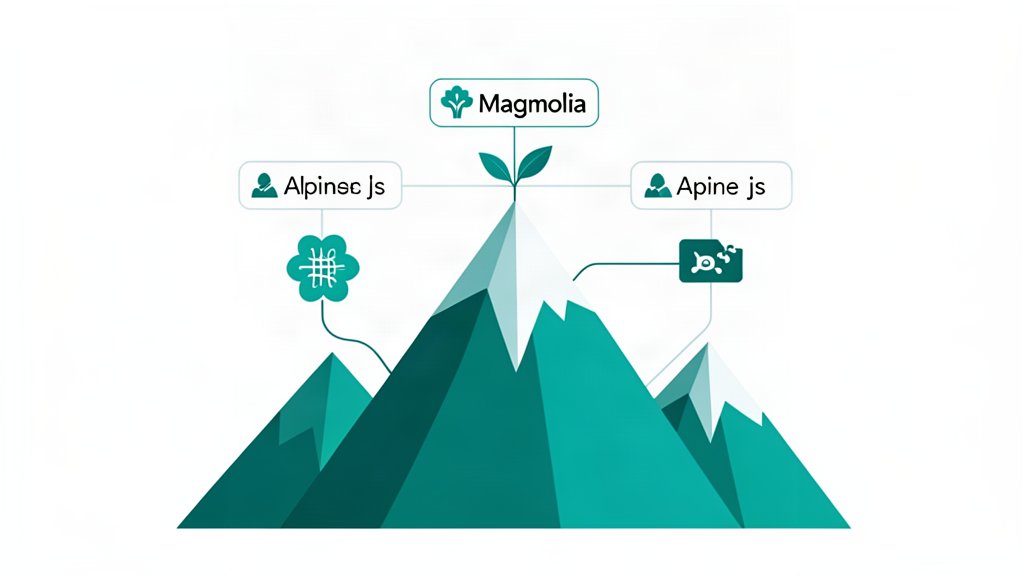
Magnolia and Alpine.js can work well together when a team wants editable, API-driven content delivery without turning every frontend interaction into a framework-heavy application.
Magnolia CMS makes most sense when teams need enterprise authoring, reusable content models, and integration-heavy delivery across sites, portals, and apps.
Template redesigns go smoother when the content model is defined first, because structure decisions determine what the frontend can reuse and scale.
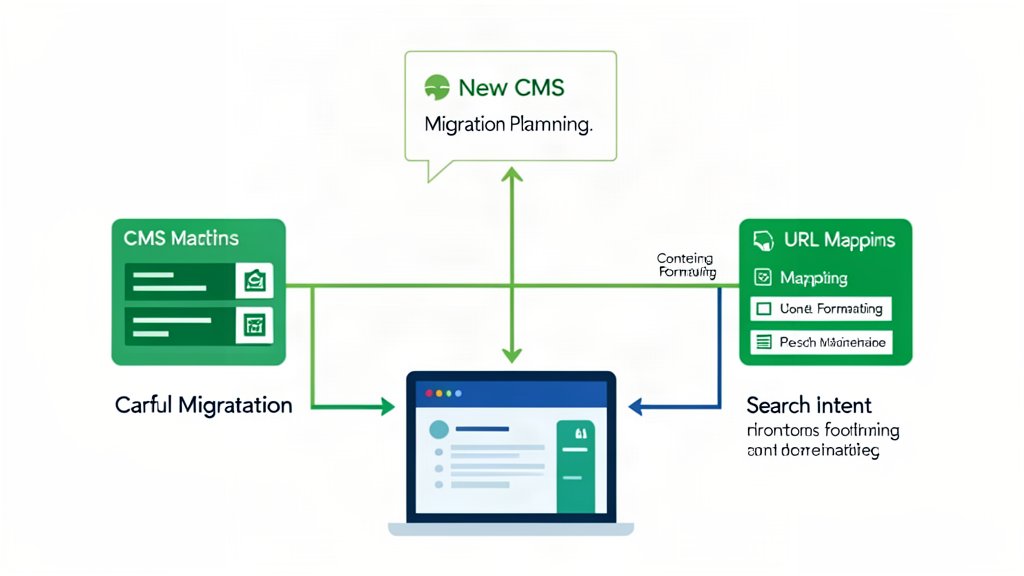
A CMS migration succeeds when URLs, structure, formatting, and page intent are planned before the content starts moving.
WordPress, Drupal, and Sanity each work best in different content setups, and the right choice depends on the team and the workflow.
Remove unwanted styles when pasting from Word or Google Docs into a CMS so content matches the editor, theme, and site formatting.