Drupal in 2026: What the Roadmap Says About the CMS Future
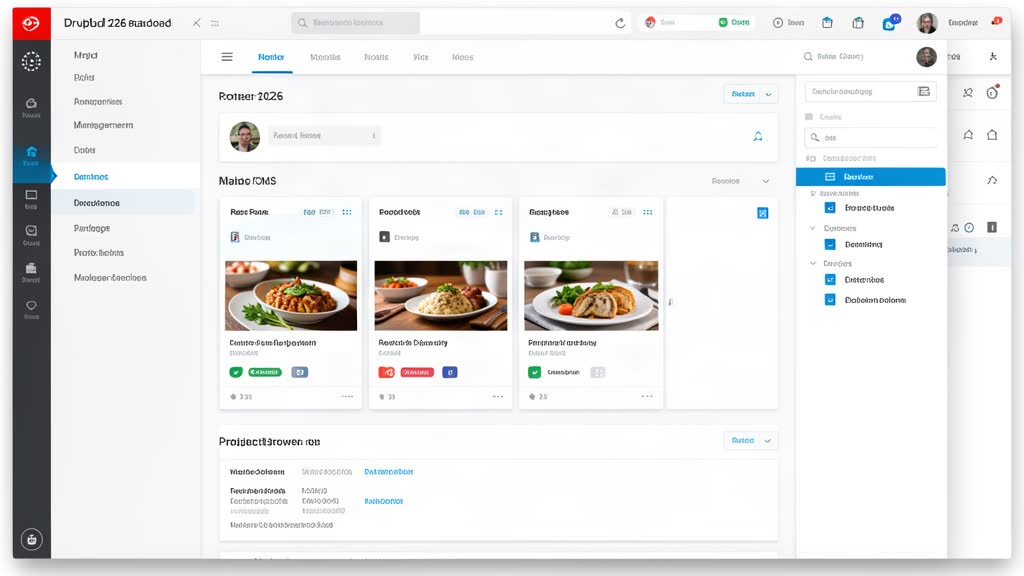
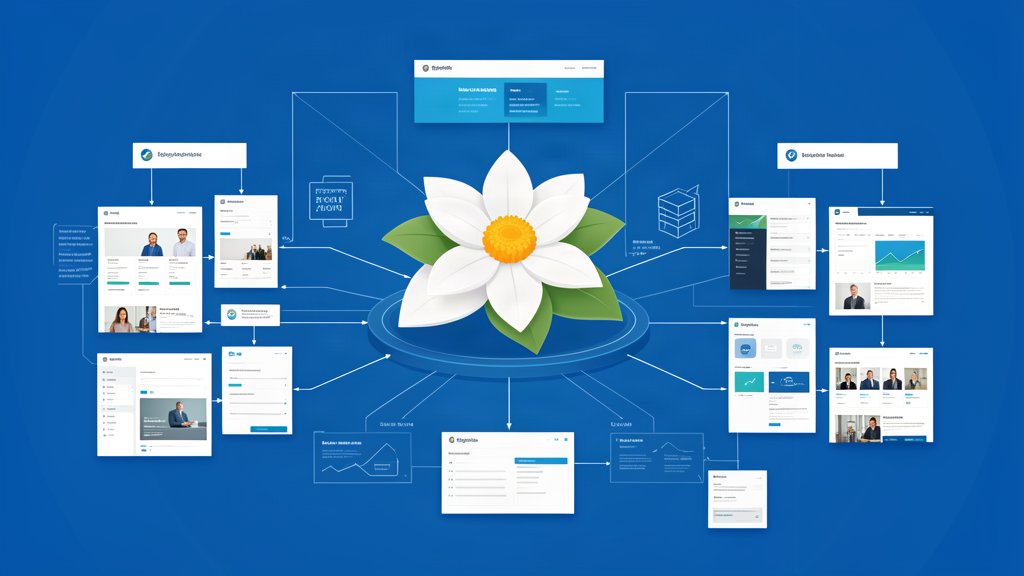
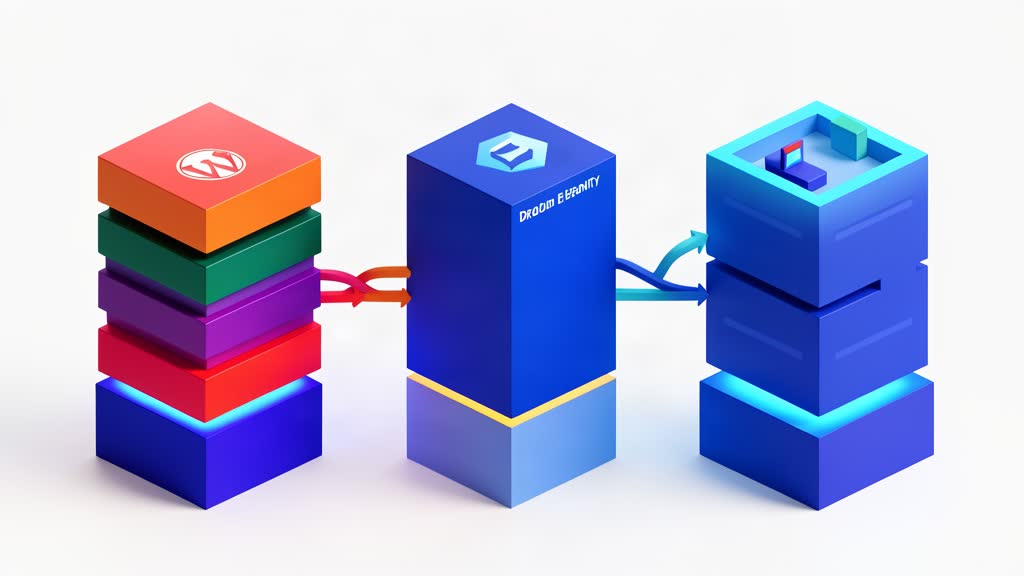
Drupal's 2026 direction — Drupal CMS, Recipes, Project Browser, and Automatic Updates — shows a platform trying to make enterprise CMS easier, not smaller.
Category
19 matching blog articles. Articles on WordPress, Drupal, Magnolia, content modeling, and CMS migrations.
Category wiki
Definition
Content system guidance for publishing workflows and CMS operations.
What belongs here
Articles land in CMS & Content Systems when the main subject is cMS workflows, content editing, migrations, and content management systems..
How to read it
Treat this category as the broad lane first, then use tags to narrow that subject down to the concrete technologies, platforms, or patterns used inside it.
Common tags in this category
Drupal's 2026 direction — Drupal CMS, Recipes, Project Browser, and Automatic Updates — shows a platform trying to make enterprise CMS easier, not smaller.
WordPress still matters in 2026, but only when it is treated as a managed publishing system with clear workflows, security discipline, and automation.
A basic Magnolia CMS setup goes more smoothly when the team starts with the official getting-started path, understands bundles and webapps, and uses Magnolia CLI to create a clean first project structure.
The right choice between Magnolia and a lighter CMS depends less on feature lists and more on workflow depth, integration pressure, governance needs, and the cost of long-term complexity.
Magnolia and Alpine.js can complement each other when a team needs strong governance and compliance on the CMS side while keeping the frontend interaction layer intentionally small.
A Magnolia migration goes better when the team treats authoring flows, approvals, content structure, and external dependencies as first-class migration scope instead of backend details.
Alpine.js is useful on Magnolia-driven pages when the goal is to add filters, dropdowns, tabs, and small form behavior without overbuilding the frontend.
Magnolia and Alpine.js can work well together when a team wants editable, API-driven content delivery without turning every frontend interaction into a framework-heavy application.
Magnolia CMS makes most sense when teams need enterprise authoring, reusable content models, and integration-heavy delivery across sites, portals, and apps.
Template redesigns go smoother when the content model is defined first, because structure decisions determine what the frontend can reuse and scale.
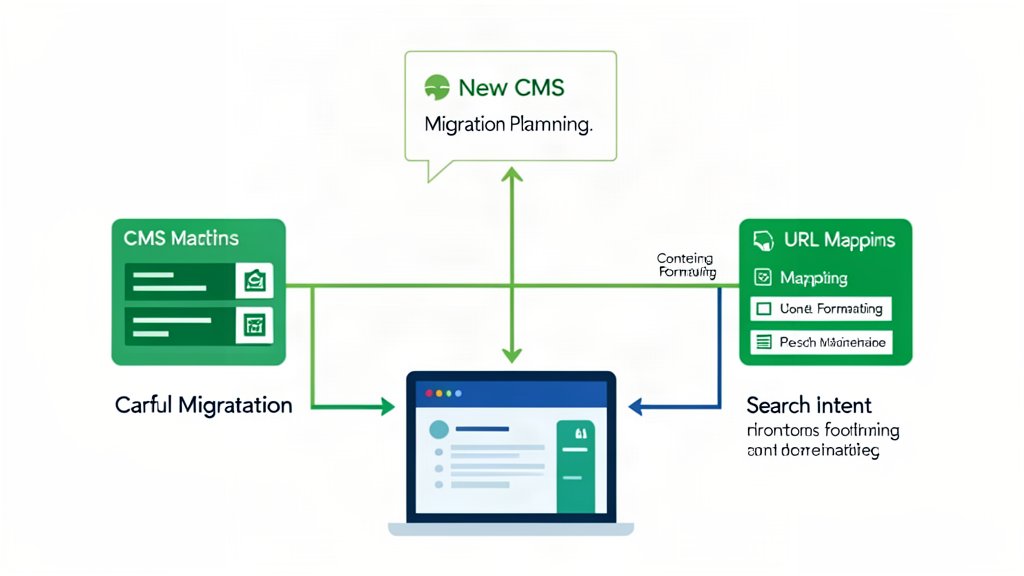
A CMS migration succeeds when URLs, structure, formatting, and page intent are planned before the content starts moving.
Strapi, Contentful, and Sanity each solve a different headless CMS problem, and the right choice depends on control, workflow, and scale.
WordPress, Drupal, and Sanity each work best in different content setups, and the right choice depends on the team and the workflow.
If you're planning a Drupal upgrade, the important differences are architectural, operational, and upgrade-related, not just cosmetic.
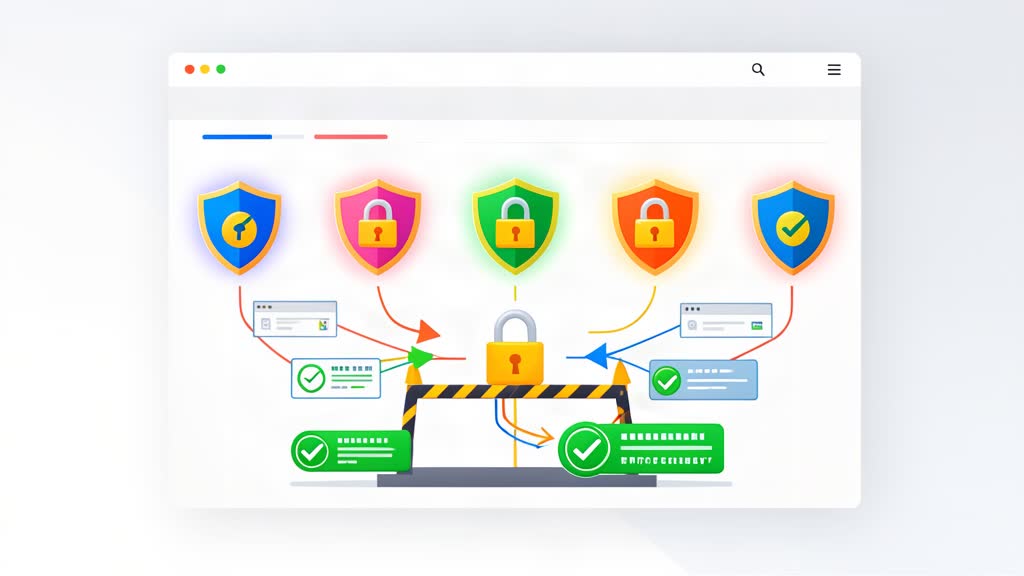
Learn which HTTP security headers strengthen a WordPress site and how they help reduce common browser-side risks without relying on plugin bloat.
Let us first understand Drupal and the top reasons to choose Drupal for your next project development.
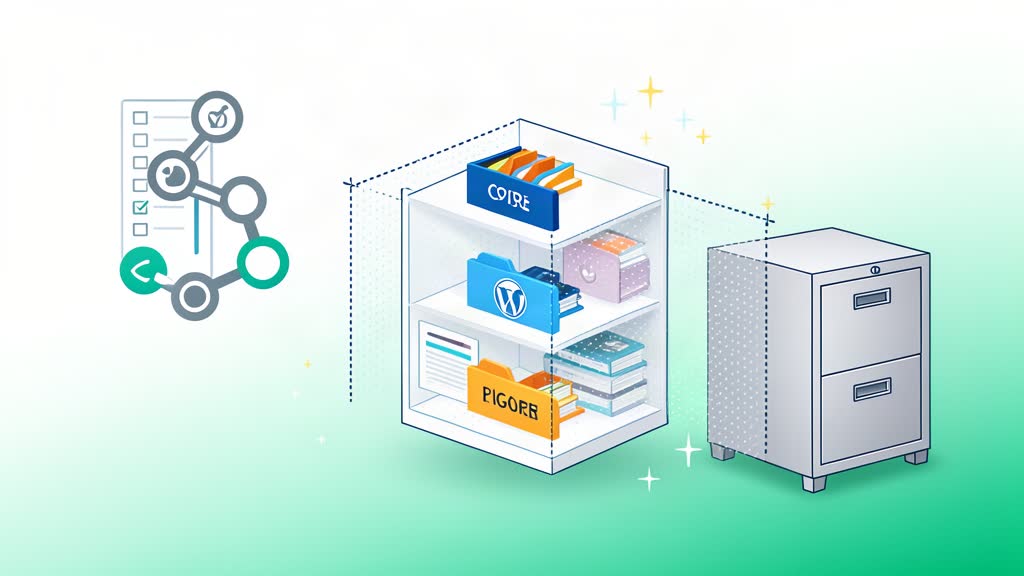
Use a practical WordPress .gitignore that ignores core files by default and lets you whitelist only the plugins and themes you track.

Block Editor has forever changed the way we can use WordPress. The idea that we can create blocks of content and arrange them in a way similar to components allows great flexibility in the way we create content and provides an opportunity to develop new types of modular content. The concept is not new and exists on more complex and serious CMS systems like Drupal for years but it is certainly a welcome addition to WordPress that is used often.
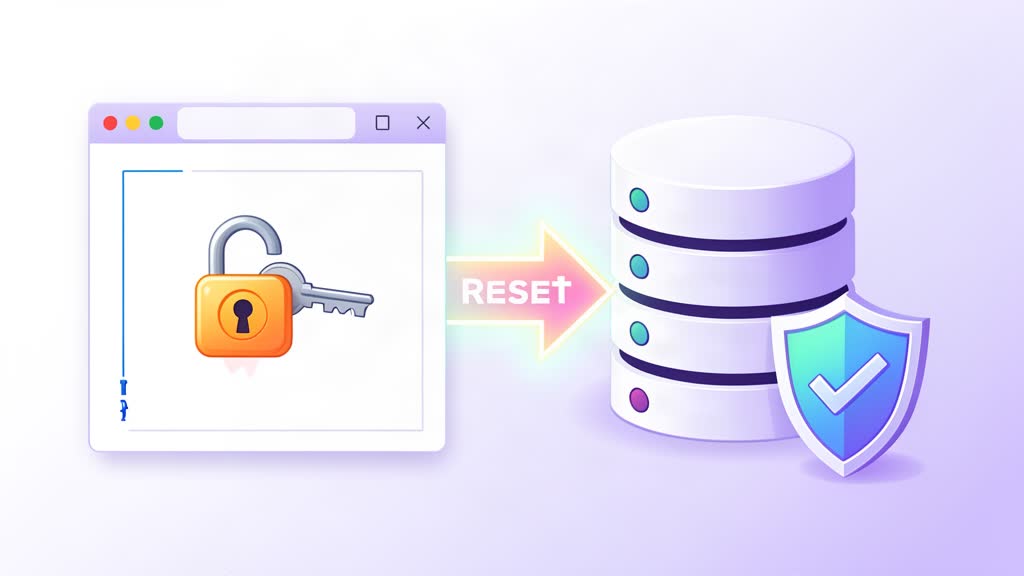
Reset a WordPress admin password from the MySQL command line when you cannot access wp-admin.