How to Automate WordPress Publishing Tasks With n8n and Slack
WordPress publishing gets easier when content changes, status updates, and team notifications all travel through one automation layer.
Tag
9 matching blog articles with repeat coverage under this topic.
Tag wiki
Definition
WordPress is the open-source publishing platform used by over 43% of all sites across the web, built on PHP and MariaDB, designed for anyone to create and share from personal blogs to world-changing movements.
Why it matters
It matters when editor experience, plugins, publishing speed, integrations, and long-term maintainability need to be balanced in a real CMS.
In this archive
Here it is used in CMS architecture, migration, publishing, performance, hosting, and implementation decisions around maintainable web platforms. It currently appears across 3 categories, mainly Automation, Web Development, Security & Privacy.
Reference
Often appears with
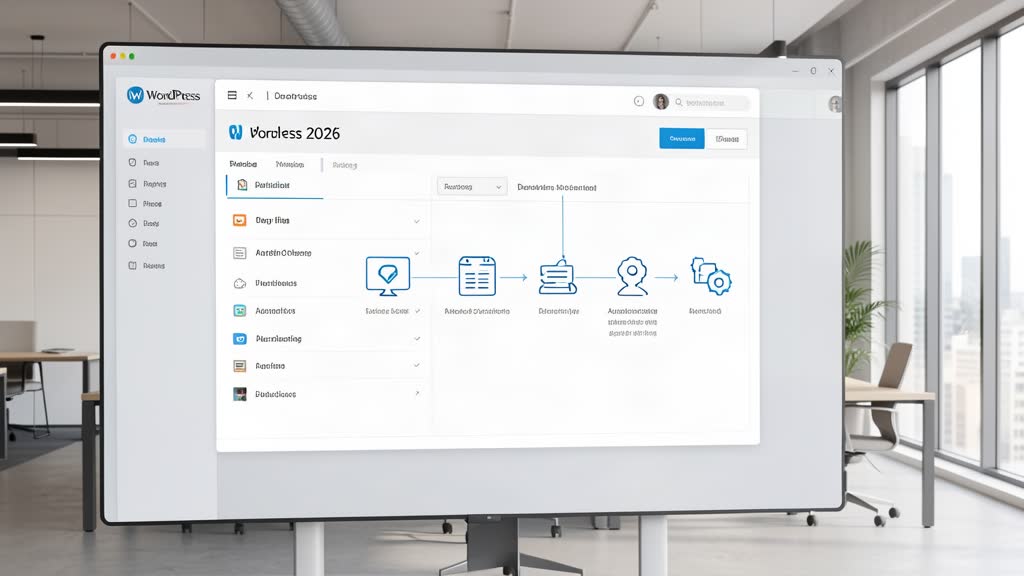
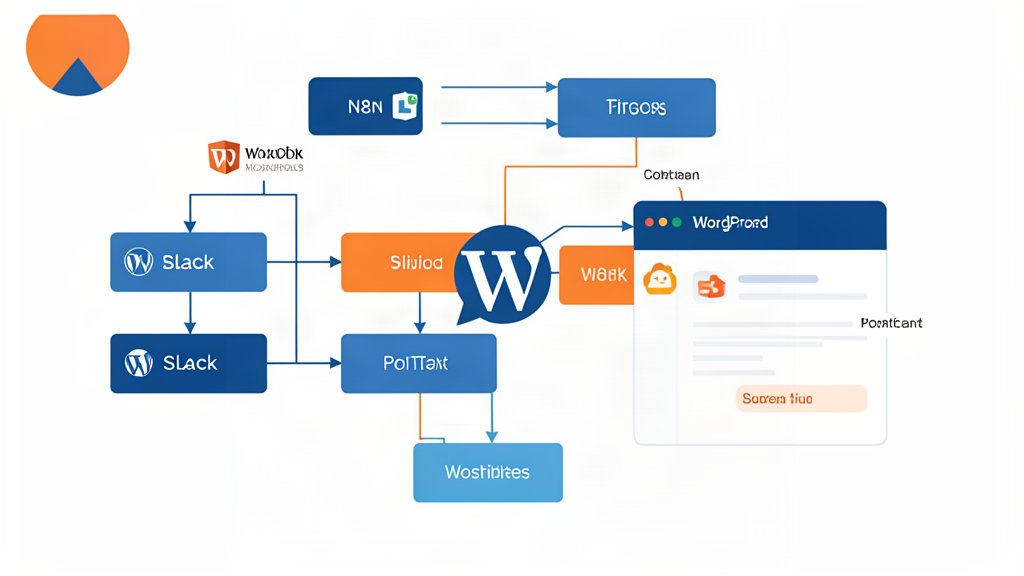
WordPress publishing gets easier when content changes, status updates, and team notifications all travel through one automation layer.
WordPress, Drupal, and Sanity each work best in different content setups, and the right choice depends on the team and the workflow.
Options for pausing a WooCommerce store when you need maintenance time without permanently removing products or breaking checkout recovery.
Use a simple WooCommerce hook to remove cross-sells from the cart page without editing every product individually.
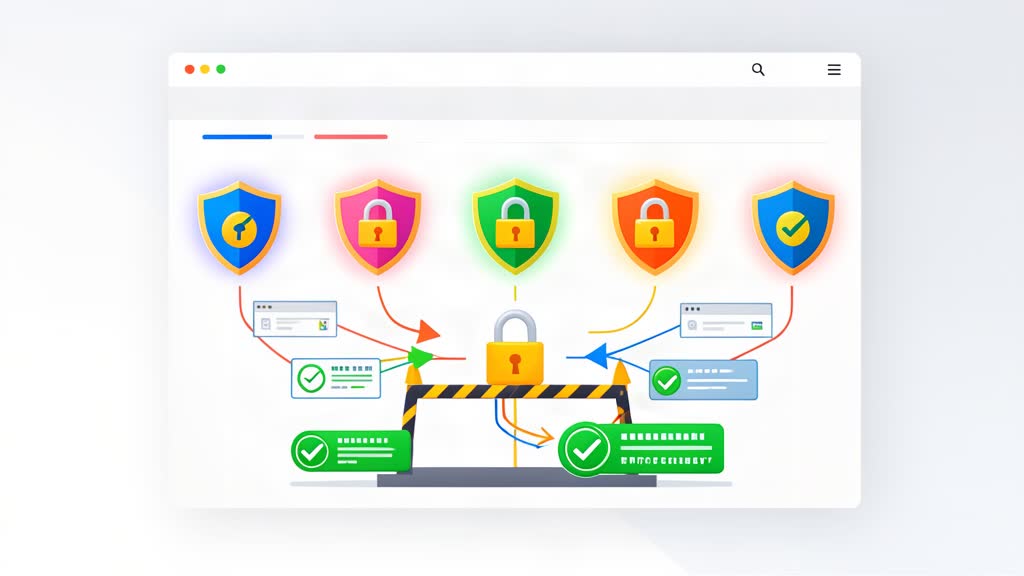
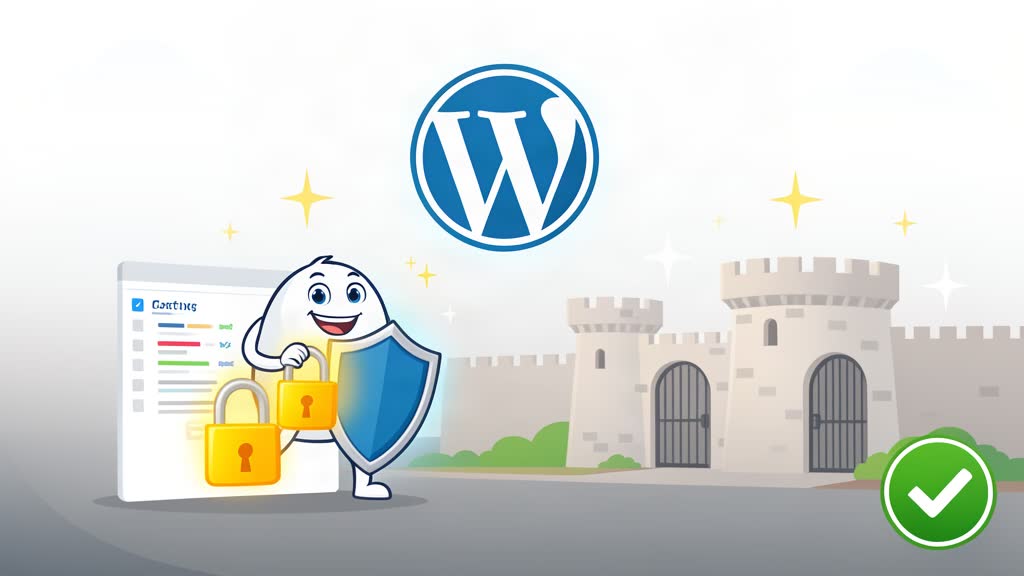
Learn which HTTP security headers strengthen a WordPress site and how they help reduce common browser-side risks without relying on plugin bloat.
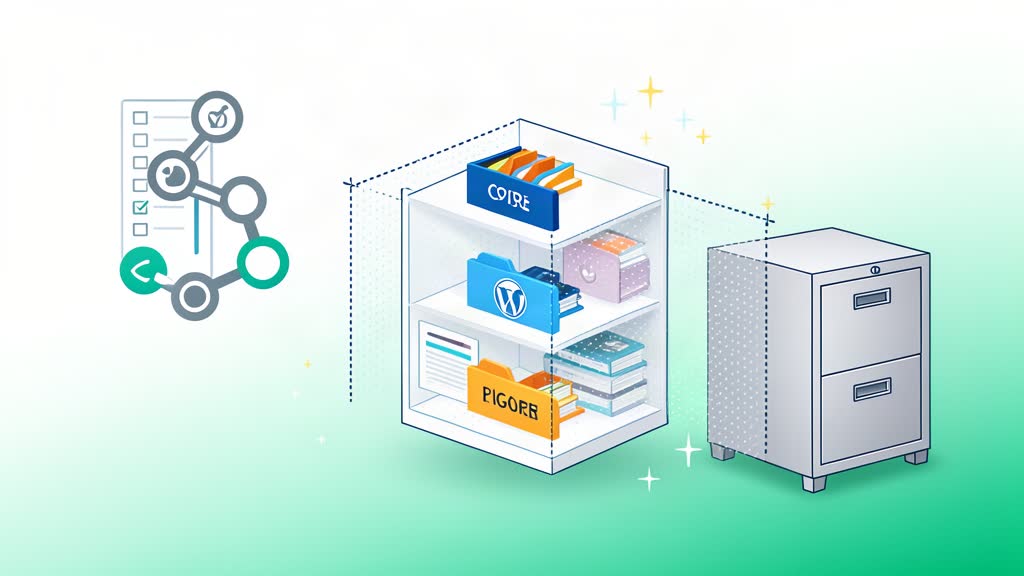
Use a practical WordPress .gitignore that ignores core files by default and lets you whitelist only the plugins and themes you track.

Block Editor has forever changed the way we can use WordPress. The idea that we can create blocks of content and arrange them in a way similar to components allows great flexibility in the way we create content and provides an opportunity to develop new types of modular content. The concept is not new and exists on more complex and serious CMS systems like Drupal for years but it is certainly a welcome addition to WordPress that is used often.
Use two simple wp-config.php settings to harden WordPress admin access and reduce risky file changes on production sites.
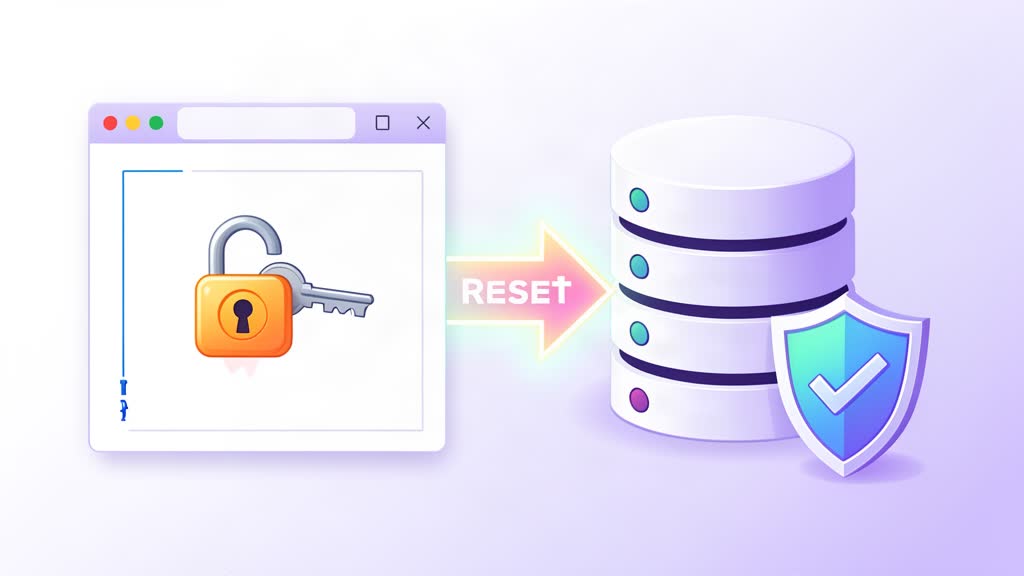
Reset a WordPress admin password from the MySQL command line when you cannot access wp-admin.