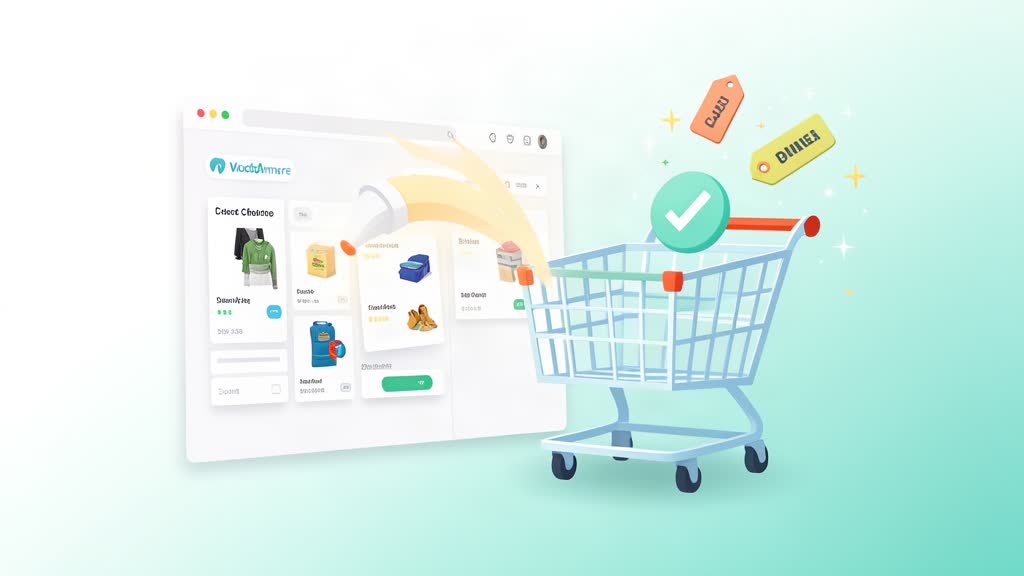
A client wanted to completely remove the area on the Cart page where cross-sells show. This is helpful if you have dozens of products with cross-sells and you don’t want to go and edit every single page.
What are cross-sells versus up-sells? Cross-sells are products displayed on the cart page as “You might also like” suggestions, while up-sells appear on the product page as premium alternatives. If you have many products with cross-sells configured, the cart page can become too long with suggestions, distracting customers from completing their purchase. Removing all cross-sells improves UX by keeping the cart focused on checkout.
If you prefer not to remove cross-sells entirely, an alternative is to limit them to 2-3 products instead. Add this WooCommerce filter to your theme’s functions.php:
// Limit cross-sells to 2 products
add_filter( 'woocommerce_cross_sells_total', function( $limit ) {
    return 2;
} );
This keeps a small, manageable number of recommendations without overwhelming the cart page.
Add the following snippet in your current theme’s functions.php file:
// Remove cross-sells at cart
remove_action( 'woocommerce_cart_collaterals', 'woocommerce_cross_sell_display' );
The woocommerce_cart_collaterals hook is where WooCommerce outputs both the shipping calculator and cross-sells. By removing the cross-sell action from this hook, only the shipping calculator remains in the cart collateral area.
Note: I strongly recommend you to do this edit on a child theme. If you edit the parent theme directly, your changes will be lost when the theme updates. A child theme inherits all parent theme functionality while keeping your custom modifications safe from updates.
Related areas
Related What I Do
These What I Do pages are matched from the subject matter of this article, creating a cleaner path from educational content to implementation work.
Continue reading
Related articles
Based on shared categories first, then the strongest overlap in tags.