The risky part of a CMS migration is rarely the import script alone. It is what happens to the people and processes around the content once the old system is gone.
Magnolia’s own migration and headless material makes that point indirectly. The platform is built around workflows, visual authoring, structured apps, and integration-heavy delivery. If those pieces matter in the future state, they must also matter in migration planning.
Start With Editorial Reality
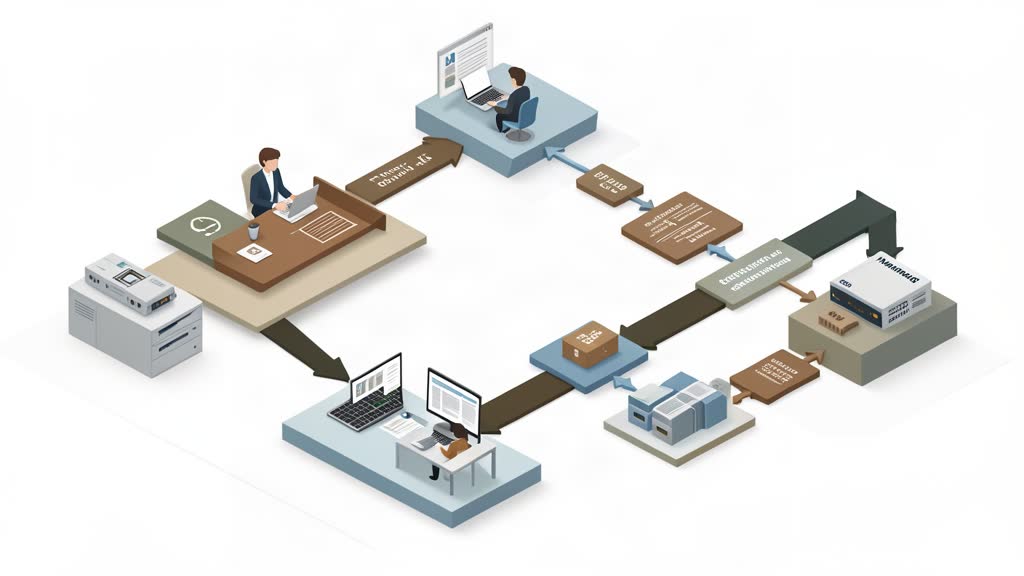
Before deciding anything technical, map how content is currently created, reviewed, approved, localized, and published.
That means understanding:
- who edits what,
- what approvals exist,
- which content types are shared across channels,
- which external systems are involved,
- what cannot break during transition.
Without that map, migration planning becomes too backend-centric and misses the actual operating model.
Model Content Before You Move Templates
Magnolia is strongest when content is modeled intentionally. That makes it a mistake to begin by cloning legacy page shapes too literally.
The better approach is to define the content model first, decide what should be reusable, and only then design the destination templates, apps, and delivery patterns around it.
Otherwise teams migrate old disorder into a newer platform.
Protect The Authoring Experience
If editors lose preview, scheduling confidence, or workflow clarity during migration, the platform will be judged as worse even if the architecture improved.
That is why migration plans should include authoring acceptance criteria, not only technical acceptance criteria.
For Magnolia projects, that usually means testing:
- editor roles and permissions,
- approval flows,
- preview behavior,
- structured content entry,
- integrations editors rely on every day.
Migrate In Slices, Not In Theory
The safest Magnolia migrations move through representative slices: one content type, one locale, one workflow-heavy section, one integration-heavy section.
That reveals where the real operational risk sits. It is much better to discover workflow friction in one bounded slice than after the entire platform cutover.
Bottom Line
Planning a Magnolia migration well means treating editorial workflows and operating constraints as part of the core architecture. The migration is successful only when the new system is technically cleaner and easier for real teams to use.
That requires more than data transfer. It requires workflow design.
References: Magnolia Headless CMS, Magnolia Connectors and Integration Frameworks.
Related areas
Related What I Do
These What I Do pages are matched from the subject matter of this article, creating a cleaner path from educational content to implementation work.
Continue reading
Related articles
Based on shared categories first, then the strongest overlap in tags.