One of the more practical frontend questions around enterprise CMS work is not whether a platform can go headless. Most of them can. The better question is how much frontend runtime you really need once the content is already structured and delivered.
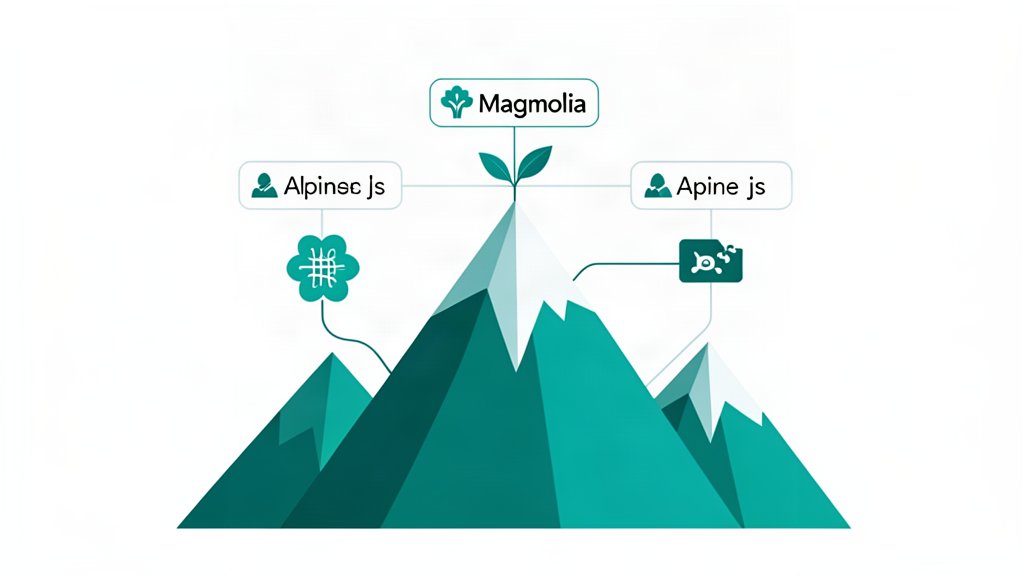
That is where Magnolia and Alpine.js can complement each other.
Magnolia handles the heavy content concerns: modeling, workflows, visual authoring, APIs, permissions, and integrations. Alpine.js handles small interaction layers directly in the markup.
Magnolia Covers The Editorial And Delivery Side
Magnolia’s headless offering is built around reusable content models, delivery endpoints, GraphQL support, and authoring tools that let content teams keep editing even when the frontend is decoupled.
That gives you a strong publishing backbone for sites that need more than static page editing.
Alpine.js Covers The Small Interaction Layer
Alpine.js is intentionally minimal. Its own docs frame it as a lightweight way to compose behavior with directives like x-data, x-on, x-show, x-model, and x-for right in the HTML.
That makes it a good fit for interface work such as:
- expandable content blocks,
- filters and quick search,
- tabs and accordions,
- lightweight forms,
- small stateful interactions inside server-rendered pages.
You get interactivity without turning the whole page into a client-side application.
Why This Combination Works
The pairing works best when the content model is complex, but the interaction model is not.
Magnolia can deliver structured content to the frontend, while Alpine keeps UI behavior close to the rendered HTML. That reduces JavaScript weight and avoids adding a larger SPA framework only to solve a few small interactions.
It also keeps the boundaries clearer:
- Magnolia is responsible for content and workflow complexity.
- Alpine.js is responsible for modest interface behavior.
That split is often healthier than making one framework carry both concerns.
Where It Breaks Down
This is not the right pairing for every frontend.
If the interface is highly app-like, with rich client state, deep routing, or complex real-time behavior, Alpine will start to feel too small. In that case, Magnolia may still be the CMS, but the frontend probably needs a larger client-side architecture.
The combination is strongest when pages are still pages, even if they are sophisticated ones.
Bottom Line
Magnolia and Alpine.js fit together when you want enterprise-grade content operations and lightweight frontend behavior at the same time.
That is a good match for marketing platforms, content-heavy portals, and service-led sites where editor experience matters, but shipping a large frontend runtime to every page does not.
References: Magnolia Headless CMS, Alpine.js, Alpine Start Here.
Related areas
Related What I Do
These What I Do pages are matched from the subject matter of this article, creating a cleaner path from educational content to implementation work.
Continue reading
Related articles
Based on shared categories first, then the strongest overlap in tags.