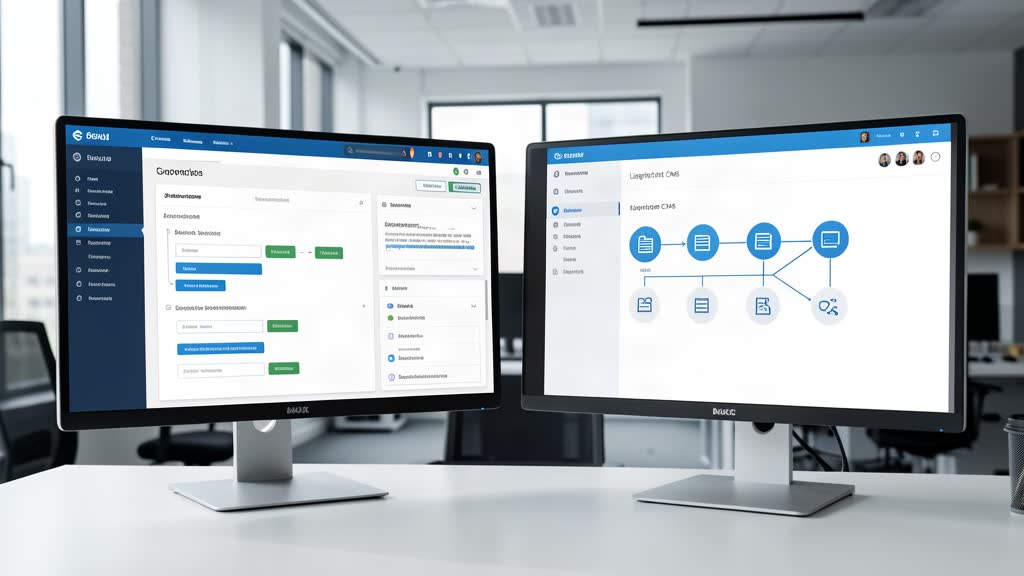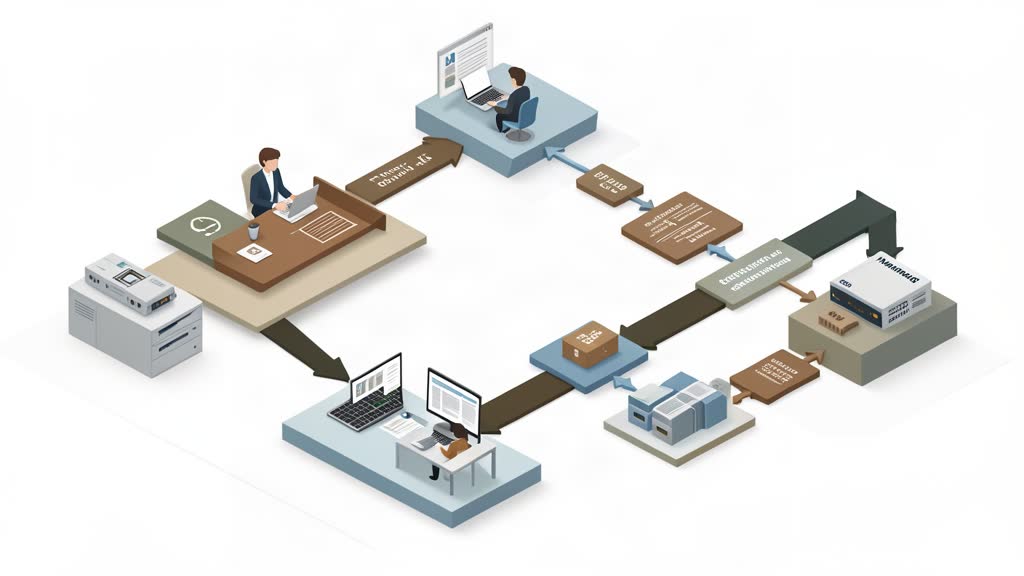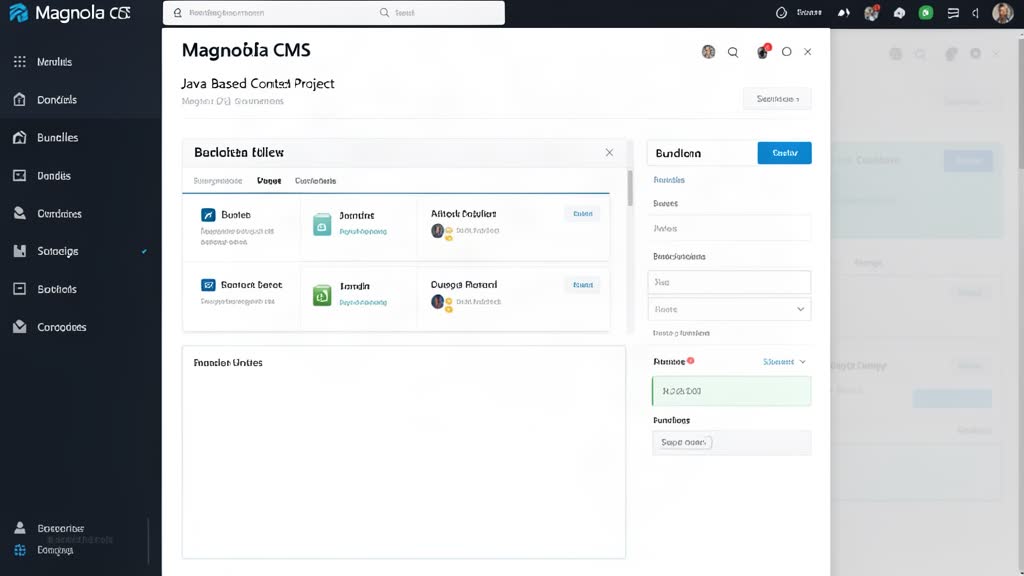
If you are new to Magnolia CMS, the easiest mistake is to think of setup as a single install step. Magnolia’s own documentation treats the first setup as a small path instead: install Magnolia, understand the project structure, start the webapp, and then build your first content or frontend slice.
That is the right mental model.
Start With The Right Magnolia Entry Point
Magnolia’s getting-started docs position Magnolia DX Core as the on-premise starting point and point new developers toward installation guidance, instances, bundles and webapps, and Magnolia CLI.
That matters because Magnolia is not just a flat app you unzip and forget. Even the basic setup makes more sense when you understand that the runtime, project structure, and content model are connected.
If you want the fastest route into hands-on work, Magnolia also offers a 30-day DX Core trial and links to Community Edition and DX Core bundles from the getting-started page.
Understand Bundles, Webapps, And Instances Early
For a basic Magnolia setup, one of the most useful early steps is simply learning the vocabulary:
- a bundle gives you a packaged Magnolia distribution,
- a webapp is the Magnolia application you run,
- instances describe how Magnolia environments are separated and operated.
That sounds simple, but it prevents a lot of confusion later when the project moves from local experimentation into a more structured team setup.
Use Magnolia CLI To Avoid A Messy Start
Magnolia CLI is one of the practical tools worth using early. Magnolia describes it as the CLI used to set up and facilitate light development.
According to the CLI docs, it can help you:
- download a project with a Magnolia webapp,
- create a light module skeleton,
- generate light module items,
- start a Magnolia webapp.
For a basic content project, that is enough to avoid a chaotic manual setup. It gives you a cleaner starting structure for templates, dialogs, content apps, and configuration-driven work.
Keep The First Project Small
A sensible first Magnolia setup should not try to model the whole enterprise at once.
The better approach is to set up one simple content flow first:
- get Magnolia running locally,
- create or inspect one light module,
- model one small content type,
- test one authoring path,
- only then expand toward headless delivery or larger integrations.
Magnolia’s own getting-started material supports this kind of path through beginner guides like Hi Magnolia, Hello Magnolia, and first content app exercises.
Where To Go Next
Once the basic setup works, the next decision is usually whether the project is mostly traditional Magnolia templating, a headless frontend build, or a hybrid of both.
That is where Magnolia’s headless docs, starter projects, and frontend development guides become more useful than setup documentation alone.
Bottom Line
Basic Magnolia CMS setup is less about one installer and more about starting with the right structure. Use the official getting-started path, understand bundles and webapps early, and lean on Magnolia CLI so the first project stays clean.
That gives you a much better foundation for content modeling and frontend work later.
References: Getting Started with Magnolia, Magnolia CLI, Magnolia Developer Hub, Magnolia Developer Trial.
Related areas
Related What I Do
These What I Do pages are matched from the subject matter of this article, creating a cleaner path from educational content to implementation work.
Continue reading
Related articles
Based on shared categories first, then the strongest overlap in tags.