The LangChain ecosystem is easier to understand if you stop treating it as one tool.
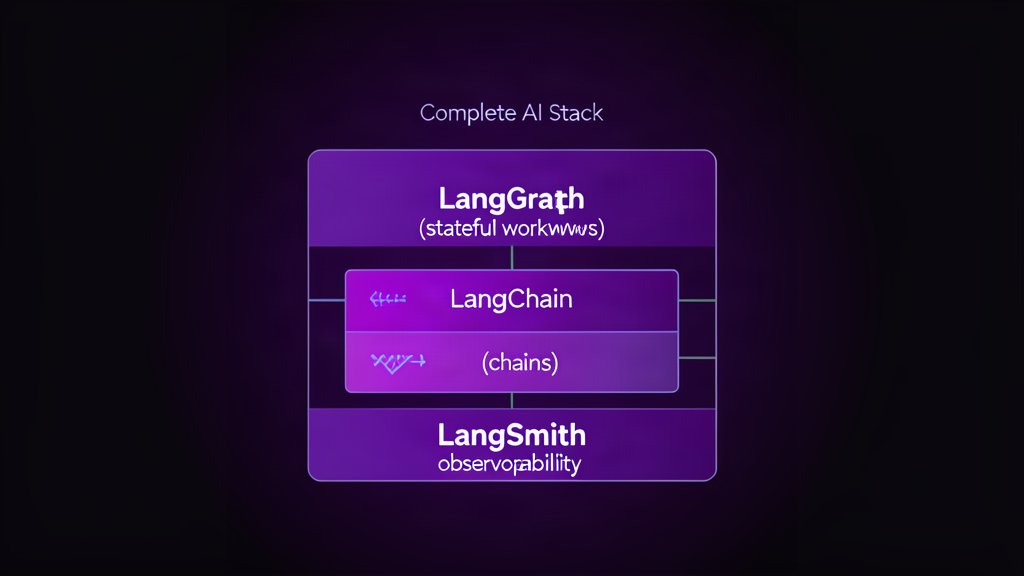
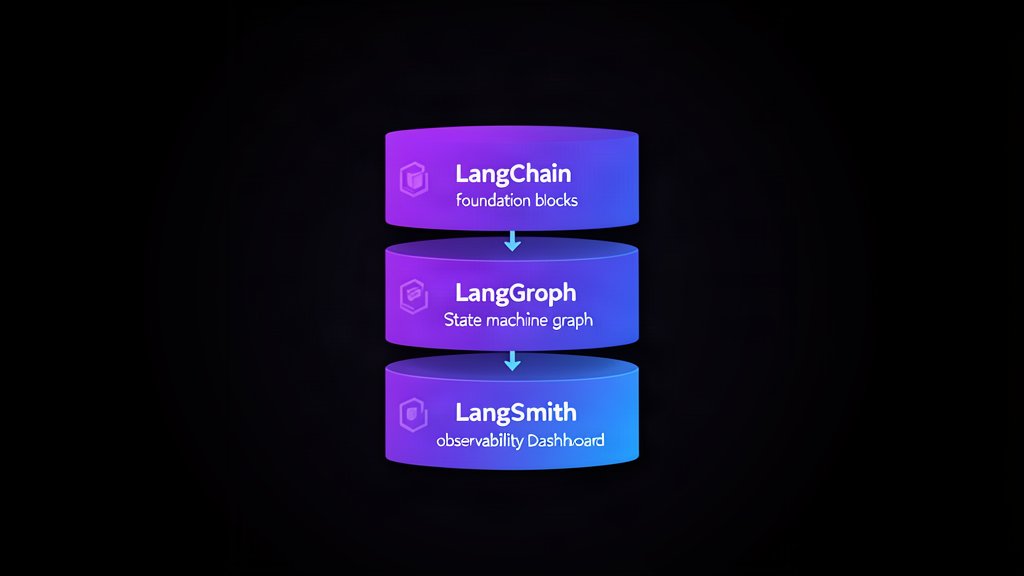
The official docs draw a clear line between the layers: LangChain helps you build custom agents and applications quickly, LangGraph handles low-level orchestration for long-running stateful workflows, and LangSmith helps with tracing, debugging, evaluation, and deployment.
That distinction matters because many AI projects fail by using the wrong layer for the wrong problem.
LangChain: Build The Application
Use LangChain when you want the agent or application itself.
It gives you the higher-level abstractions for connecting models and tools and getting to a working assistant quickly. If your team is still proving the use case, this is the place to start.
Think of LangChain as the layer that helps you answer, “What should the assistant do?”
LangGraph: Orchestrate The Workflow
Use LangGraph when the workflow itself becomes the hard part.
The docs describe it as a low-level orchestration framework and runtime for stateful, long-running agents. It is designed for durable execution, human-in-the-loop control, and more complex state handling.
That makes it a better fit when you need the system to:
- Survive interruptions.
- Resume from saved state.
- Include human approvals.
- Run complex branching logic.
LangGraph is the answer to, “How does the assistant behave over time?”
LangSmith: Observe And Improve
Use LangSmith when the main challenge is understanding what the system is doing.
Its role is tracing, debugging, evaluation, and deployment support. That matters because agent systems are hard to improve if you cannot see where the reasoning went wrong or which tool call caused the problem.
LangSmith answers, “What happened, and how do we make it better?”
The Common Mistake
The most common mistake is forcing every project into one layer.
Some projects only need LangChain. Some need LangChain plus LangSmith. Some need the full stack with LangGraph handling orchestration. If you skip that distinction, you end up with unnecessary complexity or weak observability.
A Simple Decision Rule
Use this rule of thumb:
- Start with LangChain when you need a custom agent or assistant.
- Add LangGraph when state, branching, or long-running execution becomes important.
- Add LangSmith when you need tracing, evaluation, or production debugging.
That sequence keeps the architecture aligned with the actual problem instead of the hype cycle.
Why This Matters For Teams
This is not just a naming exercise. It is a delivery strategy.
If you choose the right layer early, the project stays easier to reason about, easier to maintain, and easier to explain to the team. If you choose the wrong layer, the system becomes harder to debug and harder to scale.
Bottom Line
LangChain builds the app, LangGraph orchestrates the stateful workflow, and LangSmith helps you see what is happening.
Use the smallest layer that solves the problem, then add the next one only when the workflow actually needs it.
Reference: LangChain overview, LangGraph overview, and LangSmith docs.
Related areas
Related What I Do
These What I Do pages are matched from the subject matter of this article, creating a cleaner path from educational content to implementation work.
Continue reading
Related articles
Based on shared categories first, then the strongest overlap in tags.