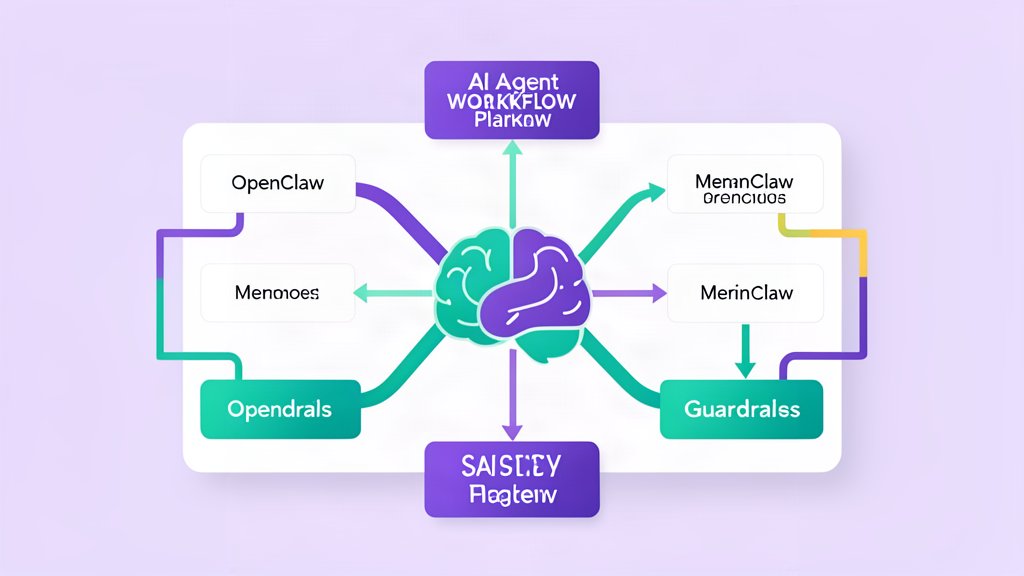
OpenClaw is most useful when the workflow is narrow enough to be understood, but structured enough to survive real users.
If the agent can do too many things at once, the control layer becomes hard to explain. If memory is left vague, the system starts repeating itself or storing the wrong context. If channels are not defined clearly, every tool call becomes harder to trust.
Start With One Job
The safest way to design an OpenClaw workflow is to pick one user outcome and keep the first version tight.
- Define the one task the agent should complete.
- Keep the allowed tools small.
- Write down what the agent should never do without confirmation.
That makes the workflow easier to test and easier to explain to the client or internal team.
Map The Channels
OpenClaw is built around the idea that the assistant should meet users where they already work. The official project emphasizes chat channels such as WhatsApp, Telegram, Discord, Slack, Signal, and iMessage, which means the interface layer should be treated as part of the product design.
If a channel is meant for quick approvals, keep the message format short and predictable. If it is meant for long-running work, make sure progress updates are readable and the user knows how to interrupt the task.
Treat Memory As A Decision Layer
Memory should reduce friction, not create hidden behavior. Store only the context that helps the next step feel obvious. For anything sensitive, keep the boundary explicit and log what changed.
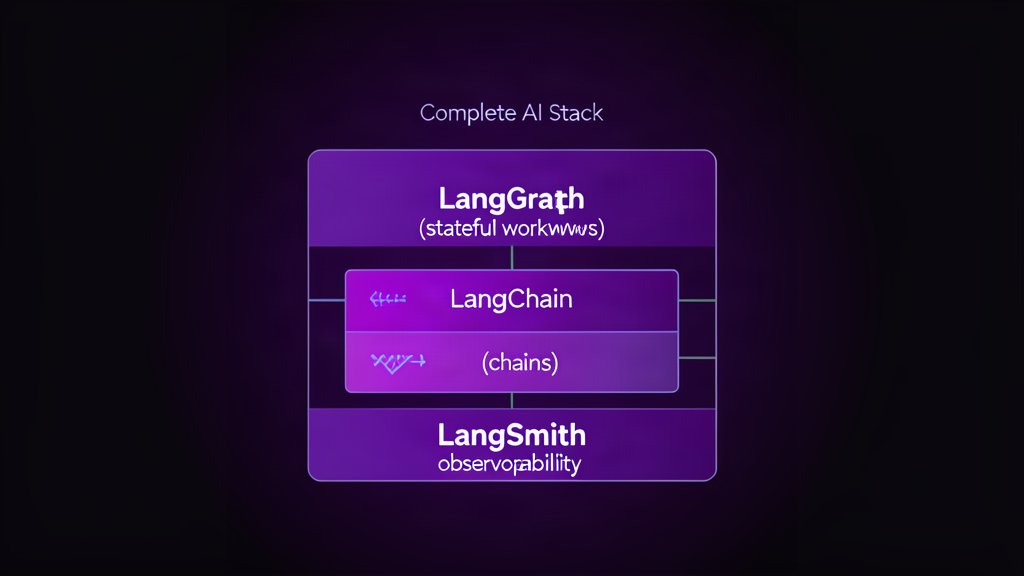
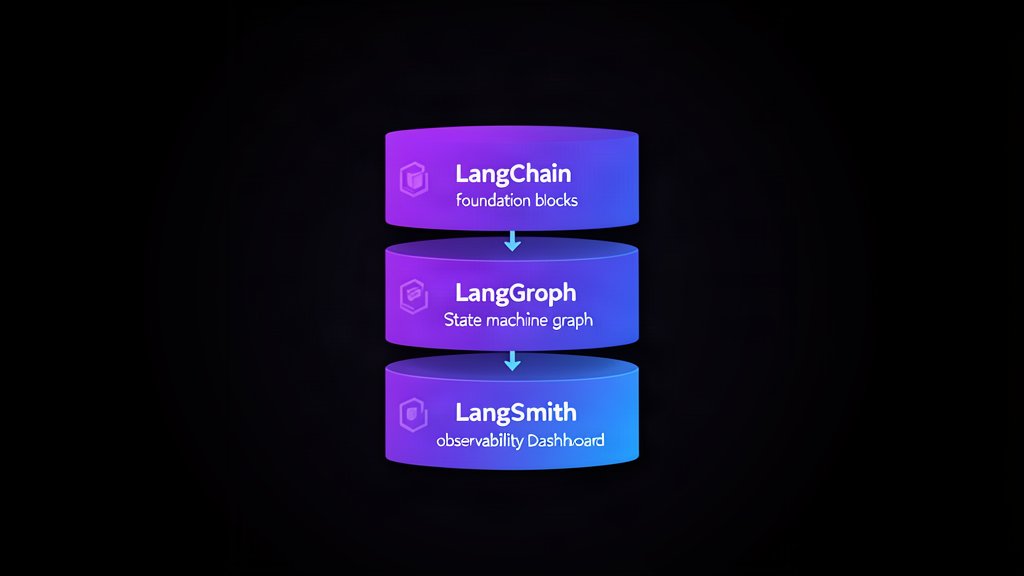
That is where OpenClaw pairs well with LangGraph and LangSmith. LangGraph helps the flow stay stateful. LangSmith helps you review what happened after the fact.
The official OpenClaw docs describe persistent memory, browser control, shell access, and skills or plugins. That combination works best when memory is treated as a small decision layer instead of a dumping ground for everything the agent has ever seen.
Keep user preferences, task state, and trusted identities. Avoid storing secrets, one-off commands, or anything that would confuse the next run.
Set Guardrails Early
Guardrails are not just about safety. They also make the workflow easier to operate.
- Define which tools can run without approval.
- Require confirmation for destructive changes.
- Separate read-only research from actions that modify accounts, files, or billing.
That is especially important in a system that can read email, open browsers, run commands, and extend itself with new skills. The more capable the assistant becomes, the more important the approvals become.
Roll Out In Stages
The best OpenClaw deployments usually start with a narrow pilot and expand from there.
First, prove that the assistant can complete one task reliably. Then add channels, then add memory, then add more tools. That order makes it easier to understand where failures come from when something breaks.
If the workflow is going to touch production systems, keep a short incident trail and a clear rollback path. That keeps the assistant useful in real operations instead of just impressive in a demo.
The Practical Rule
If a step changes state, make it observable. If a step touches external systems, make it reversible. That keeps the workflow useful in production instead of interesting only in demos.
Official resources: OpenClaw and project docs.
Related areas
Related What I Do
These What I Do pages are matched from the subject matter of this article, creating a cleaner path from educational content to implementation work.
Continue reading
Related articles
Based on shared categories first, then the strongest overlap in tags.