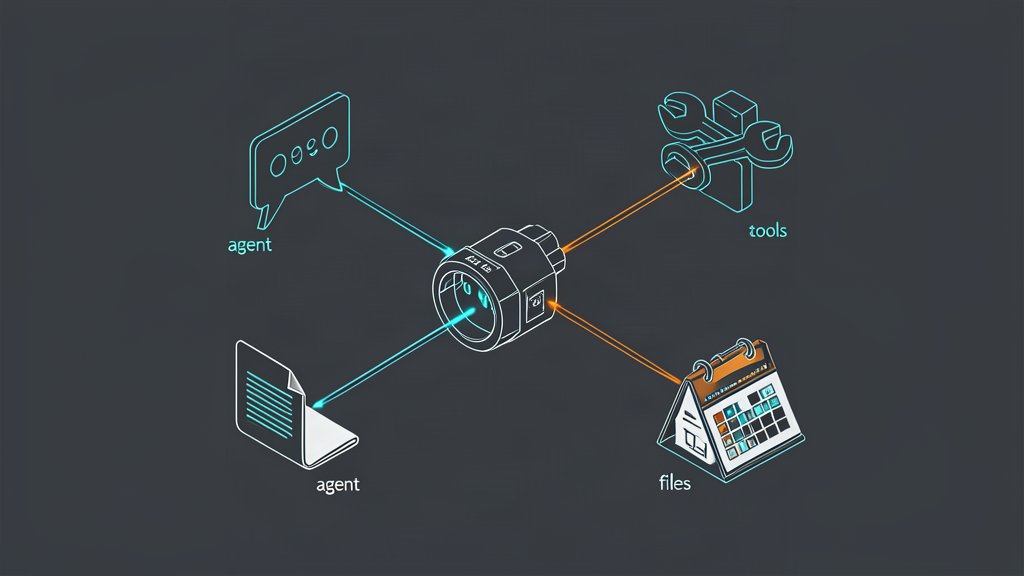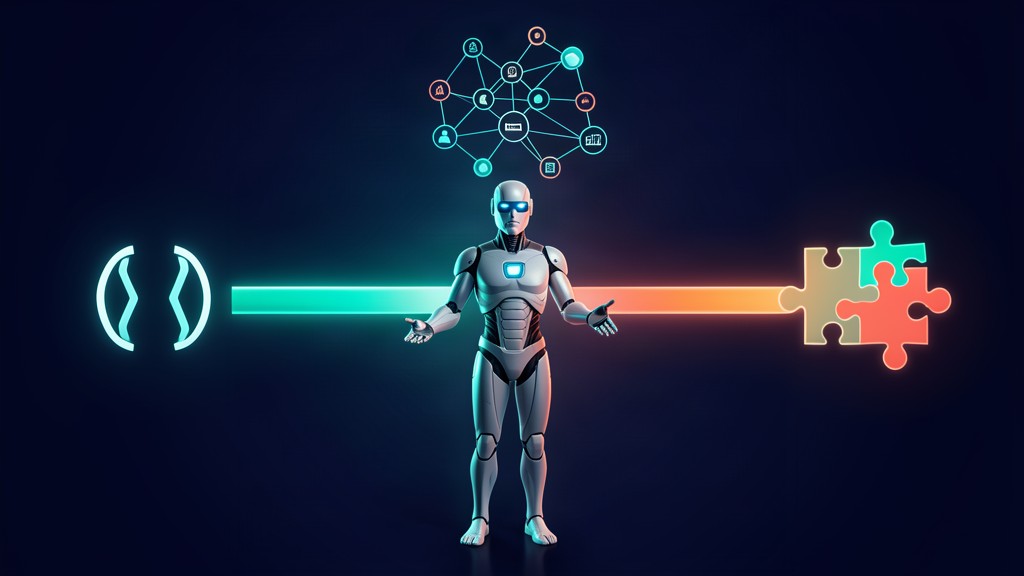
If you are building AI agents that interact with real systems in 2026, you cannot avoid the tool-use question. Every agent needs to call APIs, query databases, read files, or trigger workflows. How you wire those capabilities determines your agent’s latency, portability, maintainability, and cost.
Three patterns dominate production today: native function calling (OpenAI, Gemini, Claude), Model Context Protocol (MCP), and custom integration code (direct HTTP calls, SDK wrappers, orchestrator scripts). Each makes different trade-offs, and choosing incorrectly can lock you into a vendor, slow down iteration, or reintroduce the tight coupling that agents were supposed to eliminate.
This article compares all three approaches on latency, portability, complexity, and ecosystem fit — then gives you a decision framework to pick the right one for your use case.
The Three Tool-Use Patterns
Native Function Calling
Every major LLM provider now offers a structured tool-use mechanism. You define a JSON schema for each tool, pass it in the API request alongside the user message, and the model returns a structured response indicating which tool to call and with what arguments.
OpenAI pioneered this pattern, but Google Gemini, Anthropic Claude, and Meta Llama all ship equivalent capabilities. The implementation is provider-specific: the schema format, parallel-call semantics, and streaming behaviour differ slightly across vendors.
Strengths: Lowest latency (no extra hop), simplest setup (one API call), tight integration with the model’s reasoning loop.
Weaknesses: Tied to one provider’s API — switching models means rewriting your tool layer. No standard tool-discovery mechanism. Tools are defined per-request, so adding a new tool requires code changes in every agent that uses it.
Model Context Protocol (MCP)
MCP emerged in late 2024 as an open standard for decoupling tools from models. Instead of embedding tool definitions in each API call, you run tools on separate MCP servers (local or remote) and the agent discovers them through a JSON-RPC protocol. By early 2026, the ecosystem lists over a thousand community-maintained MCP servers covering databases, file systems, browser automation, SaaS APIs, and code execution environments.
An MCP host (the agent) connects to one or more MCP servers, which advertise their available tools, resources, and prompts. The host handles model interaction, tool invocations, and response routing.
Strengths: Vendor-neutral — one MCP server works with Claude, GPT-4o, Gemini, and local models. Highly modular: add, remove, or version tools without touching agent code. Strong governance: you can centralize authentication, rate limiting, and auditing at the server level.
Weaknesses: Adds a network hop (client-to-server round trip, typically under 10 ms locally but measurable). More setup overhead — you need to run and maintain MCP servers. Smaller production track record than function calling.
Custom Integration Code
The traditional approach: your agent framework calls tools through direct HTTP requests, SDK wrappers, or custom middleware. If you are using LangChain, you probably have a collection of @tool decorated functions that make API calls. If you are using a custom Python worker, you have bespoke integration classes.
This is how most agents were built in 2024, and it still works. You have complete control over error handling, retry logic, authentication, and observability.
Strengths: No vendor dependency for the tool layer. Full control over every aspect of the tool call. Works with any model through any framework.
Weaknesses: Every tool is bespoke code that must be maintained. No standard discovery — adding a tool means writing and deploying new code. Harder to share tools across agents or teams. Testing and documentation are ad-hoc.
Deciding When to Use Each Pattern
Function calling is the right choice when:
- You are shipping a single-model product that you do not plan to switch (e.g., a GPT-4o-only customer support bot).
- Latency is critical and every millisecond counts — an extra MCP hop is unacceptable.
- You are prototyping and need the fastest possible path to a working agent.
Real example: A real-time chat assistant using a single GPT-4o model to query a knowledge base. Function calling keeps the round-trip to one API call, and there is no multi-model requirement.
MCP is the right choice when:
- You run multiple models in your pipeline (cheap model for triage, powerful model for reasoning) and want one tool layer for all of them.
- You are building a multi-agent system where agents share common tools.
- You need vendor independence — you want the freedom to switch model providers without rewriting your tooling.
- You need centralized governance — authentication, auditing, and rate limiting at the tool level.
Real example: An enterprise document-processing pipeline where one agent classifies documents (cheap local model), another extracts data (powerful Claude), and a third triggers downstream workflows (GPT-4o). All three use the same MCP servers for database access and API calls.
Custom integrations are the right choice when:
- Your tools have unusual requirements that do not fit MCP or function-calling abstraction (e.g., WebSocket streaming, custom state machines, hardware interaction).
- You are already deeply invested in a framework like LangChain or Temporal and your tool layer is mature.
- You need full control over error recovery and backpressure behaviour.
Real example: A deployment pipeline agent that triggers Terraform plans, streams real-time logs via WebSocket, and calls Slack APIs with custom retry logic. The existing LangChain tool layer is clean, tested, and shared across the team.
A Practical Decision Framework
Here is the condensed decision guide:
| Decision Factor | Function Calling | MCP | Custom Integration |
|---|---|---|---|
| Model portability | Single vendor | Any MCP-compatible model | Any model (your framework) |
| Setup speed | Hours | Days | Days to weeks |
| Latency overhead | None | ~5–10 ms per call | Variable |
| Tool discovery | Per-request definitions | Server-advertised capabilities | Code only |
| Governance | Per-model | Centralized at server level | Per-implementation |
| Ecosystem | Mature (years of tooling) | Growing fast (1000+ servers) | Your own code |
| Best for | Single-model prototyping | Multi-model, multi-agent systems | Specialised, high-control tools |
Your actionable decision: If you are starting a new agent project in 2026 and expect it to survive more than one quarter, default to MCP for shared tools and function calling for model-native reasoning. Reserve custom integrations only for tools that genuinely break the abstraction.
The Hybrid Approach That Wins in Production
The most resilient production architectures do not pick one pattern — they combine them. A common production topology looks like this:
- Function calling handles model-native operations: structured output parsing, multi-step reasoning, and internal model decisions.
- MCP servers provide shared external tools: database queries, file I/O, API integrations, and browser automation.
- Custom code wraps the edges: specialised authentication flows, real-time streaming consumers, and integration with legacy systems that cannot run an MCP server.
This layered approach gives you the speed of function calling where it matters, the portability of MCP where it counts, and the control of custom code where you need it.
The Bigger Picture: Standardizing Your Tool Layer
The tool-use landscape for AI agents has matured significantly in the past eighteen months. Function calling remains the fastest path to a working prototype. MCP offers the most sustainable architecture for production systems that will outlive this year’s model lineup. Custom integrations still have a place at the edges, but they should be the exception, not the default.
The best time to standardise your tool layer was when you started your agent project. The second-best time is now. Migrating from per-request tool definitions to MCP servers is an investment that pays back every time you add a new model, deprecate a tool, or onboard a new agent to your system.
If you want to go deeper on MCP, read our earlier post on building production AI agents with MCP, agent SDKs, and search. For a broader introduction to AI agent architecture, see AI Agents Explained for DevOps & Platform Engineers.
Related areas
Related What I Do
These What I Do pages are matched from the subject matter of this article, creating a cleaner path from educational content to implementation work.
Continue reading
Related articles
Based on shared categories first, then the strongest overlap in tags.