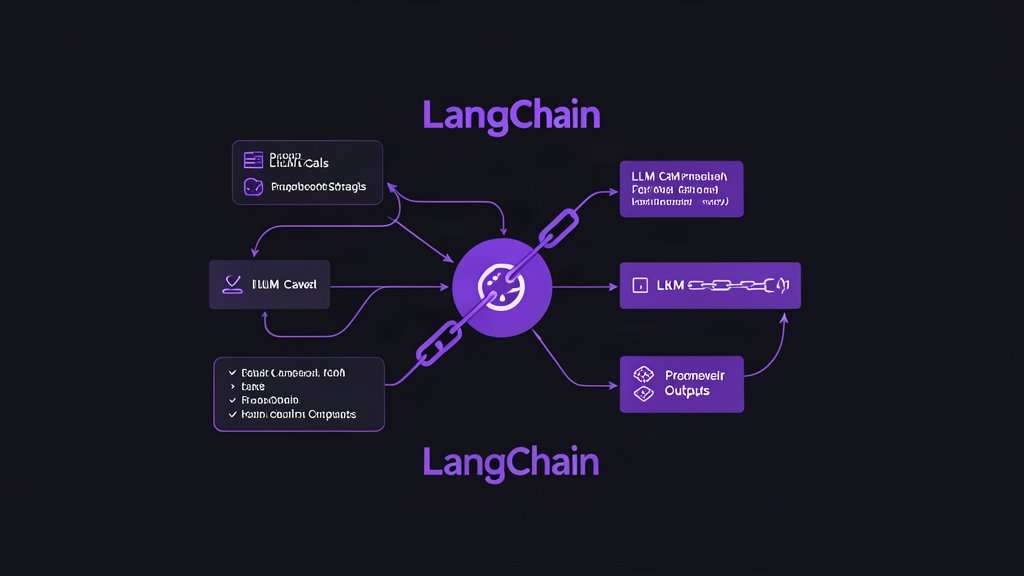
LangChain is best understood as the quick path from idea to working LLM application.
According to the official docs, it is an easy way to start building custom agents and applications powered by LLMs. The core pitch is practical: connect models, tools, and agent behavior without having to assemble everything from scratch.
That makes it useful when you want to prototype quickly but still keep the architecture real enough to grow into production.
What LangChain Is Good At
LangChain helps when your project needs more than a prompt and a model call.
It is a strong fit when you need to:
- Connect a model to tools or external systems.
- Build a custom agent loop.
- Add model-provider flexibility.
- Keep the application layer in one place.
The docs show a very small example for creating an agent with a tool, which is exactly the kind of entry point many teams need. You can start with a simple interface and only introduce heavier orchestration later if the use case demands it.
When It Makes Sense
LangChain is a good choice when the task is still forming.
If you know you need a custom assistant, retrieval-backed helper, or tool-using application, but you do not yet need a full orchestration stack, LangChain gives you a useful middle ground. It is less work than wiring everything yourself and less commitment than jumping straight into a large stateful workflow engine.
That makes it especially useful for:
- Internal assistants.
- Prototype copilots.
- Tool-using demos that need to become real.
- Small-to-medium agent workflows.
What It Is Not
LangChain is not the whole stack.
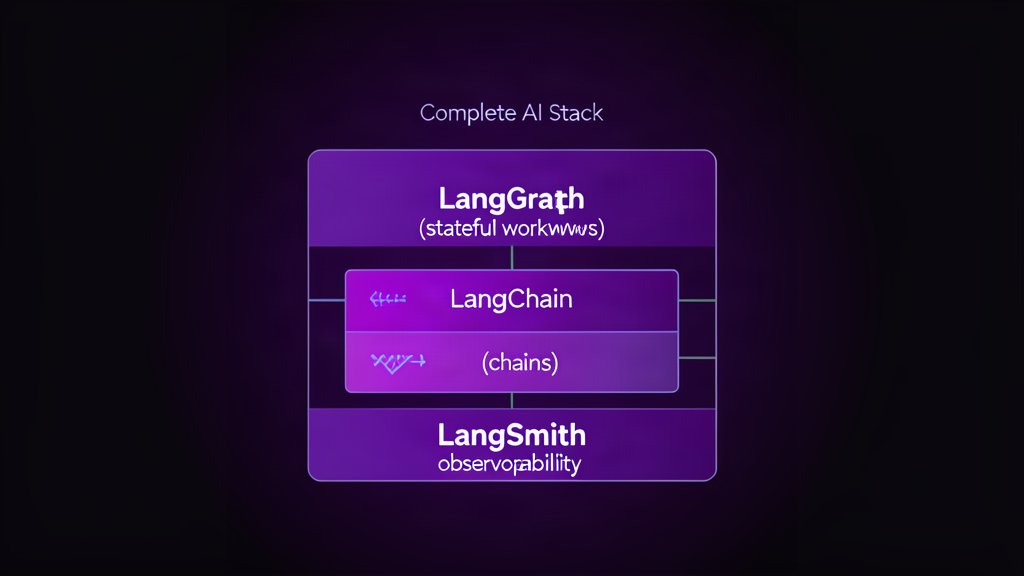
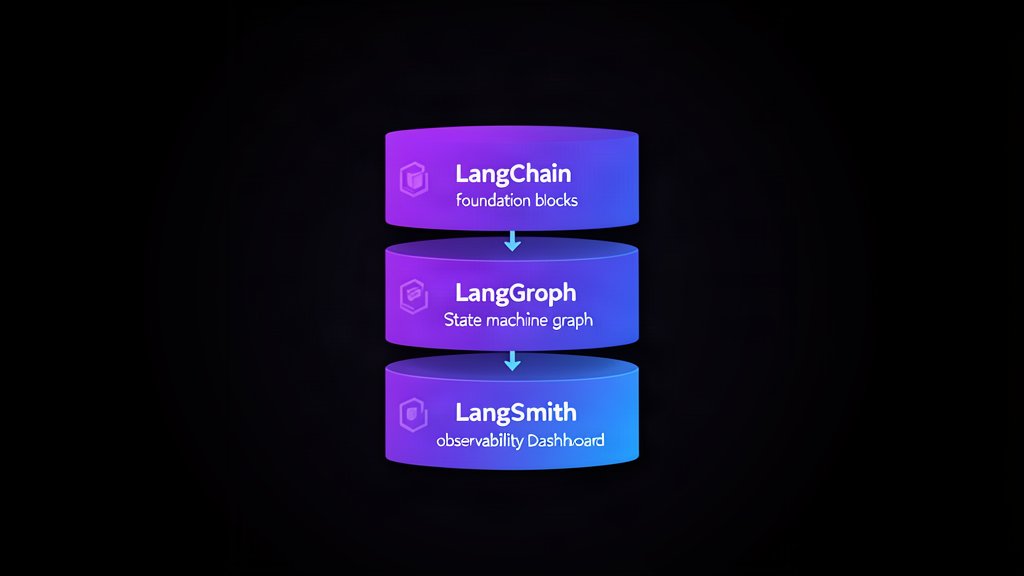
For deeper orchestration, durable execution, and stateful workflows, the LangChain ecosystem points you toward LangGraph. For tracing, debugging, evaluation, and deployment, it points you toward LangSmith. That is a helpful distinction because it keeps each layer focused on a specific job.
In other words, LangChain is the application layer, not the entire production story.
Why Businesses Care
The business value of LangChain is speed with structure.
Teams can move from concept to usable AI workflow without treating every project like a research exercise. That matters because the expensive part of AI work is rarely the first demo. The expensive part is the gap between a demo and something a team can keep running.
LangChain helps narrow that gap.
Good Implementation Habits
If you are starting with LangChain, keep the first version small:
- Use one clear use case.
- Choose one model provider first.
- Add only the tools you need.
- Keep prompts and outputs observable.
- Plan for tracing early.
That keeps the project understandable while you learn how the workflow behaves in practice.
Bottom Line
Use LangChain when you want a practical, low-friction way to build custom LLM applications and agents.
If the project later needs durable state, complex branching, or stronger observability, you can move into LangGraph and LangSmith without throwing away the basic application layer.
Reference: LangChain overview.
Related areas
Related What I Do
These What I Do pages are matched from the subject matter of this article, creating a cleaner path from educational content to implementation work.
Continue reading
Related articles
Based on shared categories first, then the strongest overlap in tags.