The useful part of OpenClaw is not the mascot or the hype. It is the architecture.
According to the official docs, OpenClaw is built around a gateway that sits between chat channels and the worker processes that do the actual work. That gives the system a single control point for sessions, routing, and configuration, while still letting the assistant talk through the channels users already have open.
That design matters because it separates conversation from execution.
The Core Pieces
There are four pieces worth understanding.
Channels
OpenClaw supports chat-based entry points such as WhatsApp, Telegram, Discord, Slack, Teams, and iMessage. That means the assistant can live where the user already is instead of forcing a new app or interface.
Gateway
The gateway is the coordination layer. It receives messages, routes sessions, and keeps the system organized. In practical terms, it is what makes the product feel like one assistant rather than a pile of disconnected scripts.
Memory
Persistent memory is one of the biggest reasons people are drawn to the platform. The assistant can remember preferences, context, and ongoing threads, which makes it useful for long-lived work instead of one-off prompts.
Skills
Skills are where the platform becomes extensible. They let users add or refine actions so the assistant can do more than the default set of tasks.
Why This Architecture Works
Most AI tools fail at the handoff between a useful answer and an actual action. OpenClaw’s architecture is trying to solve that by keeping the user in a chat interface while giving the assistant access to the browser, terminal, files, and other connected tools.
That means a request can move from language to execution in one place.
For example, a user can ask for a summary, then ask the assistant to fetch data, then ask it to create files, and then ask it to keep working in the background. The assistant does not need to “forget” between turns because the memory and routing layers are part of the platform.
Deployment Choices Matter
The official docs describe OpenClaw as running on macOS, Windows, Linux, Raspberry Pi, and VPS setups. That range is important because it means the system can be used as a local assistant or as a more persistent server-side agent.
For practical deployment, there are two common patterns:
- Keep it local for privacy and personal use.
- Run it on a VPS or dedicated machine when you want 24/7 availability.
The right choice depends on how sensitive the context is and how much autonomy you want to grant the system.
What To Watch Out For
The same properties that make OpenClaw powerful also make it sensitive.
If an assistant can browse the web, use your accounts, run commands, and write files, then security controls matter. The docs call out prompt injection, permissions, and safe deployment as real concerns. That is the correct way to think about it.
In other words, the architecture is useful only if you are deliberate about what it can access.
Practical Takeaway
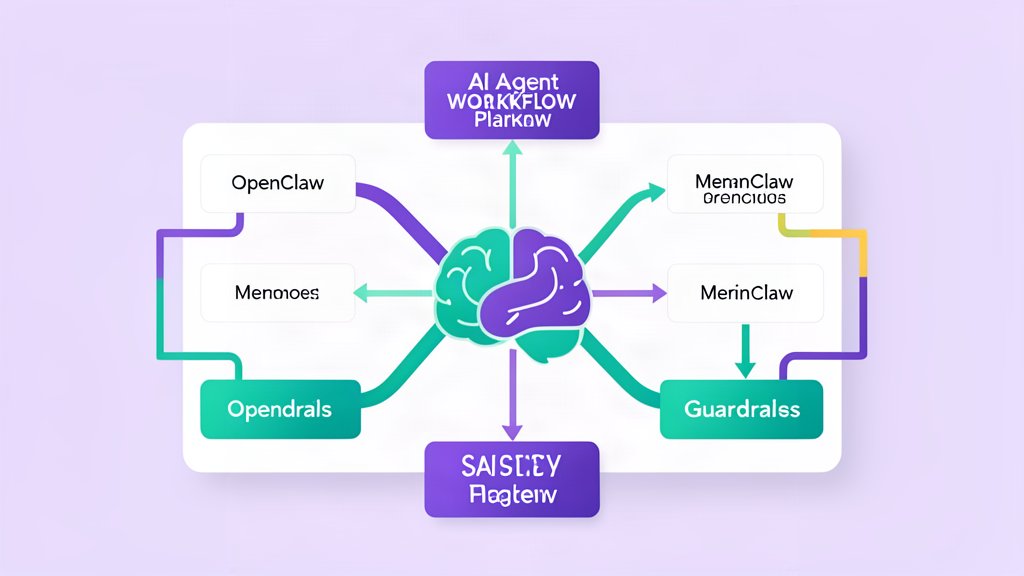
OpenClaw is best understood as a coordinated stack:
- A chat channel for input and feedback.
- A gateway for routing and session control.
- Memory for continuity.
- Skills for extensibility.
- Tool access for actual execution.
That is why it feels different from a normal chatbot. It is built to act.
Docs reference: What is OpenClaw?.
Related areas
Related What I Do
These What I Do pages are matched from the subject matter of this article, creating a cleaner path from educational content to implementation work.
Continue reading
Related articles
Based on shared categories first, then the strongest overlap in tags.