If you have used an AI coding assistant — Claude Code, Cursor, Copilot — you have experienced the pattern: you describe what you want, the AI writes a bunch of code, and then you discover it misunderstood half your requirements. The code works, but it does the wrong thing. The more complex the feature, the more likely this happens.
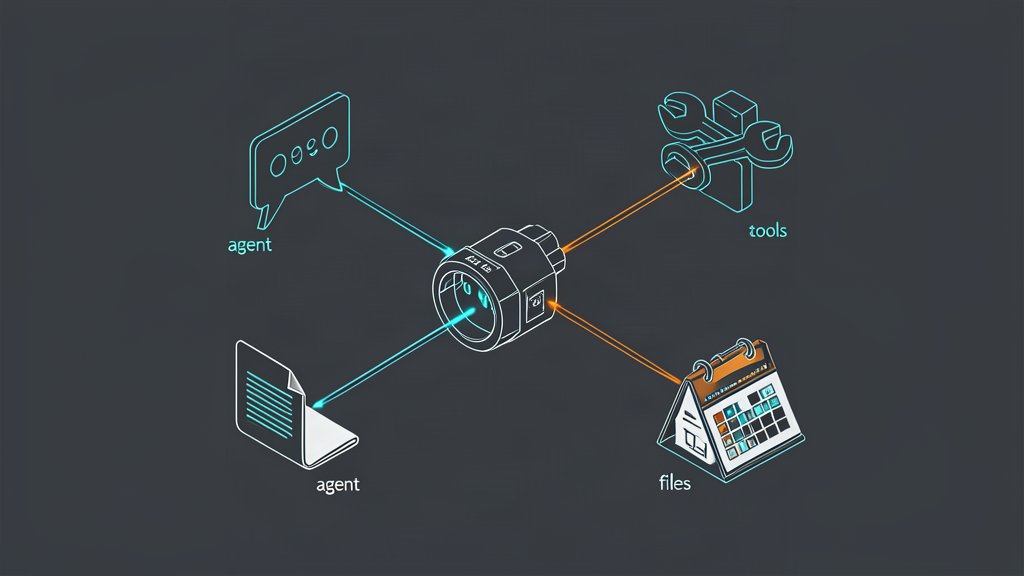
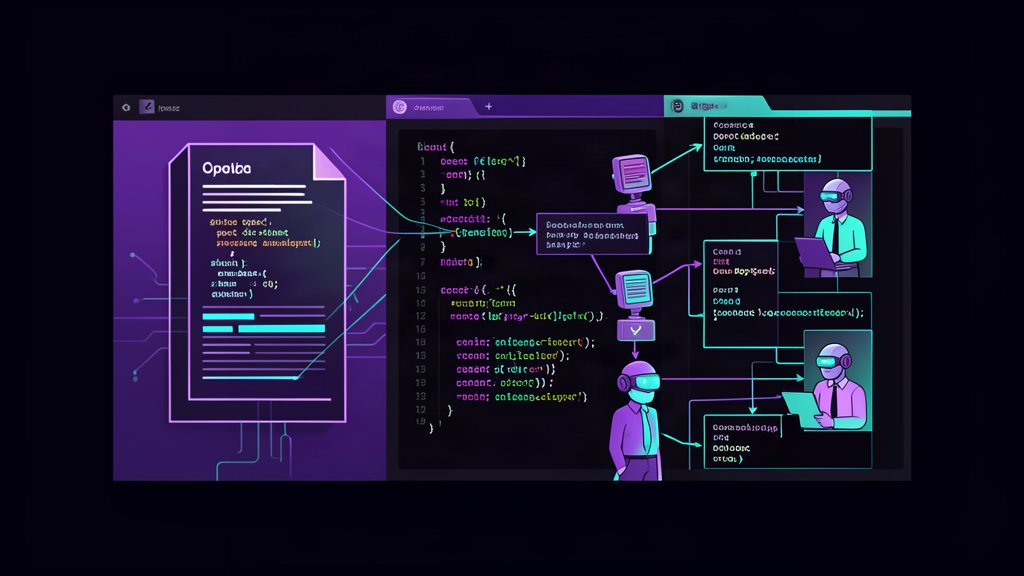
OpenSpec is an open-source framework that adds a written agreement layer between you and your AI assistant — before any code is written, you and the AI agree on requirements, scenarios, and design — captured in structured Markdown files that live in your repo. The project has 62,000+ GitHub stars and works with 25+ AI tools.
This post covers how to use OpenSpec, why it works, when to skip it, its known limitations, and what is coming next.
This post is the tool deep dive: commands, repository artifacts, decision criteria, and limitations. It does not replace a project-specific implementation plan, and it is separate from the video spotlight’s UI-redesign walkthrough or the production operating-model lessons in Heitor Lessa’s blueprint.
How to Use OpenSpec with AI
Installation
OpenSpec runs on Node.js 20.19+. Install it globally:
npm install -g @fission-ai/openspec@latestThen initialize it in your project:
cd your-project
openspec init
The init command creates an openspec/ directory structure in your repo and configures AI tool integration. That is it — no API keys, no MCP servers, no SaaS accounts.
The Five-Step Workflow
OpenSpec’s core workflow runs through slash commands typed directly into your AI chat session. The commands are prefixed with /opsx:. Here is how it works:
-
/opsx:explore— A no-stakes thinking session. The AI reads your codebase, weighs architectural options, draws ASCII diagrams, and sharpens a fuzzy idea into a concrete plan. This is unique to OpenSpec among spec-driven tools and surprisingly useful for avoiding confidently wrong implementation paths. -
/opsx:propose <name>— The AI drafts all planning artifacts at once: aproposal.md(why and what),design.md(how),tasks.md(implementation checklist), and delta specs (what requirements are changing). You review and edit before any code runs. -
/opsx:apply— The AI works through the task checklist, implementing one item at a time. Each completed task is checked off. -
/opsx:sync— Merges the delta spec changes into the main spec files without archiving the change folder. Useful during long-running changes or when you want to capture partial progress. -
/opsx:archive— Completes the change. Delta specs fold into the canonical spec files, and the change folder moves toopenspec/changes/archive/. The spec source of truth is now updated for the next change.
Project Structure
A typical OpenSpec project looks like this:
openspec/
├── specs/                 # Source of truth for system behavior
│   ├── auth/spec.md
│   ├── payments/spec.md
│   └── ui/spec.md
├── changes/               # Active proposed modifications
│   └── stripe-integration/
│       ├── proposal.md    # Why and what
│       ├── design.md      # Technical architecture
│       ├── tasks.md       # Implementation checklist
│       └── specs/         # Delta specs (what's changing)
│           └── payments/spec.md
├── changes/archive/       # Completed changes (audit trail)
└── config.yaml            # Optional project configuration
Specs use a simple Markdown format with requirements (SHALL/MUST/SHOULD) and GIVEN/WHEN/THEN scenarios:
# Authentication Specification

## Purpose
Handle user login and session management.

## Requirements

### Requirement: Email login
The system SHALL authenticate users with email and password.

#### Scenario: Valid credentials
- GIVEN a registered user with email "user@example.com" and password "correct-password"
- WHEN the user submits the login form
- THEN the system returns a session token
- AND the user is redirected to the dashboard
Where Commands Run
openspecterminal commands — for init, validate, list, view, and config/opsx:slash commands — typed directly into your AI assistant chat (Claude Code, Cursor, Codex, Copilot, etc.)- No separate interactive mode. It is just chat commands in the tool you already use.
Why Use It
Alignment Before Code
The single biggest source of wasted time with AI coding is misalignment. You described feature X, but the AI built feature Y that looks right but behaves differently. Discovering this after 200 lines of code costs time, context, and sometimes your patience.
OpenSpec catches misalignment at the spec stage. Mistakes discovered in a proposal.md take five minutes to fix. The same mistake discovered in a PR review can take hours.
Context That Persists Across Sessions
Context without OpenSpec is ephemeral. You close a Claude Code session, and everything the AI knew about your project is gone. The next session starts from scratch — same misunderstandings, same need to re-explain.
Specs are checked into git. A new session, a new teammate, or a three-month break from the project means reading the spec files instead of digging through old chat transcripts. The AI already knows the whats and whys.
Review Intent, Not Code
Reviewing a PR with OpenSpec means the delta spec comes first — what requirements changed, what was added, what was removed. The code review then confirms the implementation matches the intended behavior change. This is a faster, higher-signal review process than staring at 500 lines of diff without knowing why they changed.
Universal and Non-Locking
OpenSpec works with Claude Code, Cursor, Codex, GitHub Copilot, Windsurf, Cline, and 25+ other AI tools. There is no vendor lock-in, no API key to provision, and no dependency on a specific SaaS product. If you switch your AI assistant next month, the spec files stay —
Read more about when AI agents are the wrong choice in my decision framework post
When Not to Use It
OpenSpec is honest about its own limitations — the FAQ explicitly says “If you’re looking for a magic tool that plans everything for you without any effort on your part, this isn’t it.” Here is when you should skip it:
Trivial Changes
Typo fixes, variable renames, and formatting-only patches do not need a propose-apply-archive cycle. The ceremony is not worth it for a two-line change. Use your judgment: if you would not ask a human teammate to write a spec for it, skip OpenSpec for it.
Pure Vibe Coding Sessions
If you are rapidly prototyping, exploring an unfamiliar API, or intentionally writing throwaway code, the spec process slows you down rather than helping. Spec-driven development shines when the code matters long-term. For one-hour experiments, just write code.
Weak AI Models
OpenSpec artifact quality depends on the AI model reasoning capability. Strong models (Claude Opus, Codex) produce thorough, logically consistent specs. Weak models produce incomplete or contradictory artifacts that waste more time than they save. If your team uses a budget model for cost reasons, test OpenSpec on one change before committing to the workflow.
Teams That Cannot Maintain Specs
A stale spec is worse than no spec. If your team ships too fast to update spec files after every implementation adjustment, the spec drifts from reality. The code becomes the true source of truth, and the spec becomes misleading documentation that new team members trust by default.
Known Issues and Limitations
The Verification Gap
OpenSpec validates the structure of spec files — correct Markdown format, valid requirement syntax. It does not verify that the implemented code actually satisfies the spec. If the spec says “the system SHALL reject empty passwords” and the AI writes code that ignores the requirement, OpenSpec will not catch it.
Community tools like OpenSpec Plus add TDD enforcement and per-slice verification on top of vanilla OpenSpec, but the base tool leaves this gap open.
No Built-In Quality Gates
Tasks in tasks.md are marked complete by the AI itself. There is no gate that says “wait, did you actually test this?” or “does this meet the acceptance criteria?” The AI is self-reporting its own progress, which defeats the purpose for teams that need enforceable quality.
Context Window Management
Long sessions with large spec files can hit AI context limits. OpenSpec’s troubleshooting guide lists this as a known error (“context too large”). The workaround is manual context hygiene — clearing chat history before starting implementation — which is easy to forget.
Archive Creates Extra Git Work
Each archive step generates pending git changes (spec merges) that must be committed separately. If you archive a change and merge the code PR at the same time, the spec updates are bundled with the code changes. If you forget to sync before merging, the spec branch is out of sync with the code branch.
140+ Open Issues
As of July 2026, the project has roughly 140 open GitHub issues. The project moves fast, but some edge cases and feature requests remain unresolved. Check the issue tracker before relying on OpenSpec for an unusual workflow.
What’s Next
OpenSpec Workspaces
The team is building Workspaces — team-oriented features for large codebases, multi-repo planning, and collaboration. The website says: “Now we’re building for teams.” A beta signup is open. This is the most concrete next step for OpenSpec itself.
OpenSpec Plus
The community extension by sudokar adds the verification and quality gates that vanilla OpenSpec lacks: TDD enforcement, spec-verified implementation, structured discovery, and multi-option design with trade-off analysis. If verification is your main concern, this is worth evaluating.
The Broader SDD Ecosystem
OpenSpec is the most popular spec-driven development tool, but it is not the only one. BMAD provides a full-lifecycle framework with elicitation and course-correction. Spec-Kit takes a spec-first approach with a project-wide “constitution.” Open Agent Spec by Oracle is not a framework but a declarative standard — specs as version-controlled, reviewable, portable infrastructure that complements OpenSpec rather than competing.
The trend is clear: one-person SDD is mature. Team SDD, multi-repo SDD, and verified SDD are the next frontiers.
OpenSpec fills a genuine gap in the AI-assisted development workflow. It is not magic and it is not for every change, but for complex features where alignment matters, it saves more time than it costs. Start with one change, see if the process clicks with your team, and scale from there.
Related areas
Related What I Do
These What I Do pages are matched from the subject matter of this article, creating a cleaner path from educational content to implementation work.
Continue reading
Related articles
Based on shared categories first, then the strongest overlap in tags.