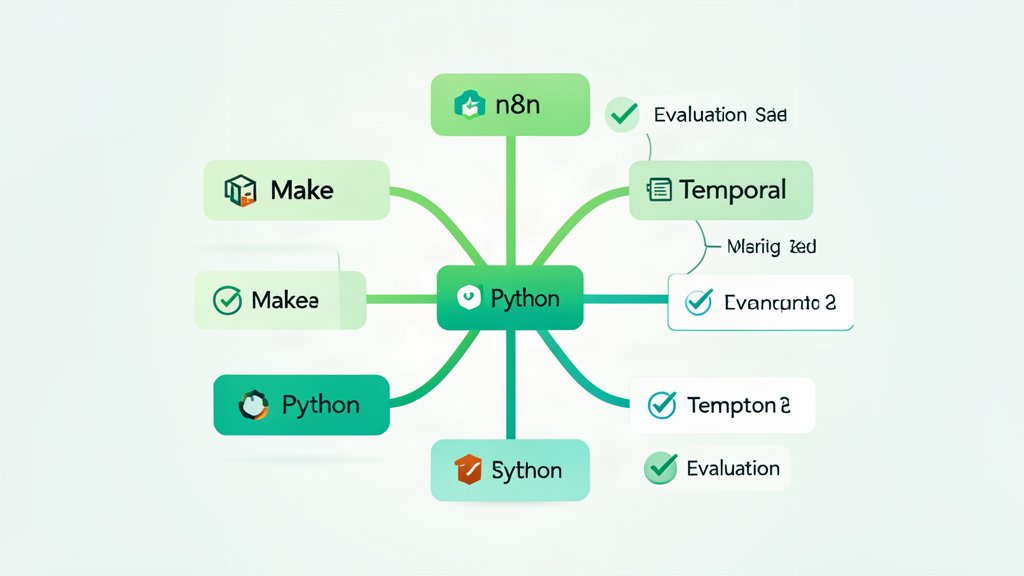
Every automation project reaches a moment where the team stares at a whiteboard covered in boxes and arrows, asking: “What actually runs this?” The answer is never a single tool. The decision between n8n, Make, Temporal, and a custom Python worker is really a decision about where your workflow lives on the complexity spectrum, who operates it, and how much failure you can tolerate without losing work.
This post gives you a repeatable decision framework — not a feature table, but five dimensions that directly map to the operating realities of each tool. Score your project honestly, and the framework will point to one clear answer.
The Workflow Complexity Spectrum
Workflow tools cluster into three bands on a complexity spectrum, and the first mistake teams make is trying to use a band B tool for a band C problem or vice versa.
Band A — Simple webhook chains. A trigger fires, makes one or two API calls, transforms some data, and stops. Typical latency: seconds. State management: none (each run is stateless). Examples: “When a new Stripe invoice is created, post a Slack notification and add a row to Google Sheets.”
Band B — Stateful multi-step orchestrations. A workflow runs for minutes to hours, maintains state between steps, handles retries and conditional branching, and may pause waiting for human input or external events. Examples: “When a user uploads a file, run virus scan, then wait for approval, then process with an AI pipeline, then send the result.”
Band C — Long-running, exactly-once, distributed processes. Workflows that may run for days, require compensating transactions on failure, span multiple microservices, and need a complete audit trail of every state transition. Examples: “Provision a Kubernetes cluster, deploy the application stack, run smoke tests, and roll back any failed step with compensating cleanup.”
The tools map to these bands. n8n and Make dominate Band A. Temporal owns Band C. Custom Python workers can span all three but only break even on cost at Band B and above.
Decision Dimension 1: Pricing Model
n8n — Open-source self-hosted (free) or cloud seats at $20–$50/month per user. No per-execution cost if self-hosted. The hidden cost is infrastructure and maintenance time: a production n8n instance needs a database, backup strategy, updates, and monitoring.
Make — Usage-based pricing starting at $9/month with execution caps. Scales to thousands of operations/month at $150–$600/month. No infrastructure cost. The hidden cost is vendor lock-in and the per-execution ceiling that punishes growth.
Temporal — Open-source self-hosted (free) with a managed cloud tier (pricing based on workflow execution hours, typically $200–$2,000/month for production workloads). The hidden cost is the learning curve — Temporal’s SDK and worker model require developer time to adopt.
Custom Python worker — Infrastructure cost only (a container or VM). The hidden cost is your team’s time building and maintaining everything that n8n or Temporal gives you for free: retry logic, state persistence, observability, task queuing, and error handling.
Rule of thumb: If your monthly execution cost exceeds half a mid-level engineer’s salary in a managed tool, the custom worker is cheaper at scale. Below that, the managed tool’s maintenance savings justify the cost.
Decision Dimension 2: Latency Requirements
n8n and Make operate in seconds-to-minutes territory. Each step involves an HTTP callback or poll cycle. Fine for notifications, approvals, and batch processing.
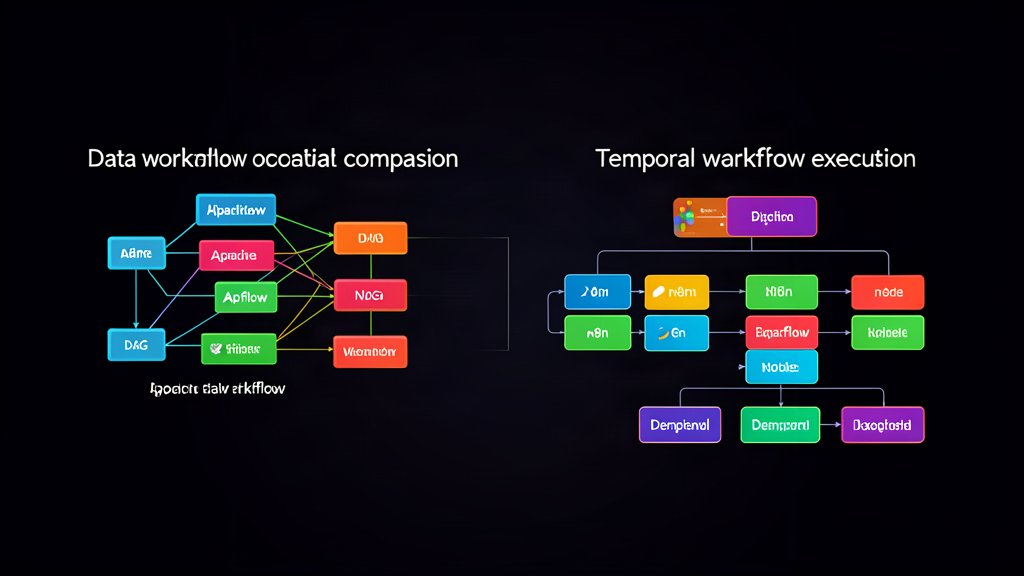
Temporal operates in minutes-to-days territory. The overhead of workflow state and task queues means you do not use Temporal for sub-second request-response. You use it when a process must survive a server restart mid-execution.
Custom Python workers (Celery, Dramatiq, async queues) handle everything from sub-second dispatches to long-running jobs. If your workflow must return within 100 ms of the trigger, you are writing custom code — none of the orchestration tools provide that.
Decision Dimension 3: Team Size and Skill Set
UI-first teams (product managers, support leads, operations) — n8n and Make give non-developers a visual canvas to build automations. Make has the smoother UI and larger connector library. n8n wins on open-source flexibility and Git-backed version control for workflows.
Dev-heavy teams (backend engineers, platform teams) — Temporal and custom Python workers are the right choice because they live in code. Code-based workflows are reviewable, testable, and deployable through normal CI/CD pipelines. Temporal additionally provides built-in state visibility and a web UI for inspecting running workflows.
Mixed teams — The most common pattern is a hybrid: n8n for the trigger-and-notify layer (Band A) feeding into Temporal for the durable execution layer (Band C). The n8n workflow becomes the “front door” that non-developers can inspect and modify, while the critical business logic runs in Temporal code that developers own.
Decision Dimension 4: Compliance and Audit Trail
Every workflow tool logs execution history, but the detail level varies significantly.
n8n logs execution results with request/response data (retention configurable). Good enough for internal debugging. For audit purposes you need to export logs to an external system because n8n’s own database is mutable.
Make retains execution history for 30–90 days depending on plan. Exports are manual. Not suitable for regulated environments that require immutable audit trails with multi-year retention.
Temporal stores every workflow state transition as an append-only event history. Each event includes the full input and output, timestamps, worker identity, and retry attempts. The history is immutable and retained as long as your retention policy specifies. This is the gold standard for auditability — Temporal histories survive individual worker crashes and provide a complete replay of every decision.
Custom Python workers are as auditable as you make them; without deliberate investment in append-only event storage and structured logging, they default to the lowest audit confidence. With the right architecture (structured logs to an immutable store, event sourcing in your application code), they can match Temporal’s audit trail but at a high engineering cost.
Decision Dimension 5: Integration Ecosystem
Make ships with over 1,500 pre-built connectors. n8n has 400+ with a growing community library. Both cover the major SaaS platforms (Slack, Google Workspace, Salesforce, HubSpot, Jira, Mailchimp).
Temporal does not provide SaaS connectors — it is an orchestration engine, not an integration platform. You write the integration code yourself in your worker language (Go, Java, TypeScript, or Python). If your workflow connects to dozens of external services, a Temporal + n8n hybrid or a custom worker with pre-built SDK clients is more practical than wiring every connector yourself.
Custom Python workers have every Python SDK available (requests, httpx, google-api-python-client, boto3, etc.). The constraint is that you write and maintain each integration; there is no visual connector marketplace.
Hybrid Patterns Worth Stealing
Pure play solutions are rare in practice. The most cost-effective production patterns combine tools:
n8n triggers + Temporal execution. An n8n workflow catches the webhook, does light validation, and enqueues a Temporal workflow with the input payload. Temporal handles all retry, state, and compensation logic. The n8n workflow is visible to operations; the Temporal code stays under the development team’s control.
Make as a SaaS glue layer. For teams automating SaaS-to-SaaS workflows (CRM → email → spreadsheet → slack), Make’s connector library means you write zero code. Only the critical path that needs guaranteed delivery or compensating transactions leaks into Temporal or a custom worker.
Python dispatcher + micro-workers for full control when compliance or latency demands it, a lightweight Python dispatcher (FastAPI + Celery or Dramatiq) reads from a work queue, routes jobs to function-based workers, logs every state transition to an append-only store, and scales by adding worker containers. There is no UI, but every decision path is auditable in code.
Conclusion
Score your project against the five dimensions — pricing, latency, team skill set, compliance, and integration needs — before picking a tool. The decision framework works even better when you admit that most projects need two tools: one for the notification layer (n8n or Make) and one for the durable execution layer (Temporal or custom code).
For a deeper look at workflow architecture patterns, see our post on Webhook Architecture for AI-Triggered Workflows. To understand how AI agents fit into these workflows, read AI Agents Explained for DevOps & Platform Engineers.
Related areas
Related What I Do
These What I Do pages are matched from the subject matter of this article, creating a cleaner path from educational content to implementation work.
Continue reading
Related articles
Based on shared categories first, then the strongest overlap in tags.