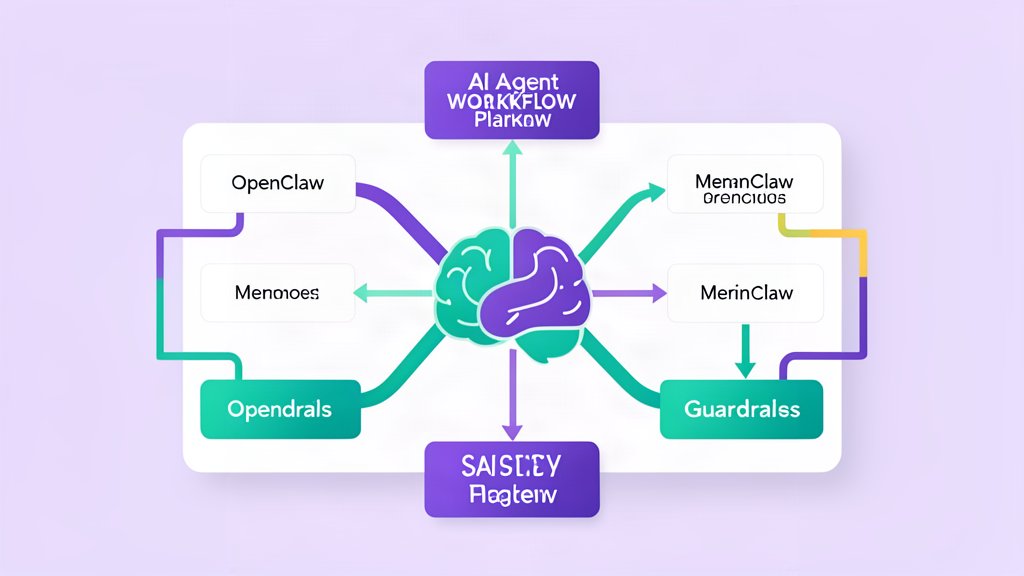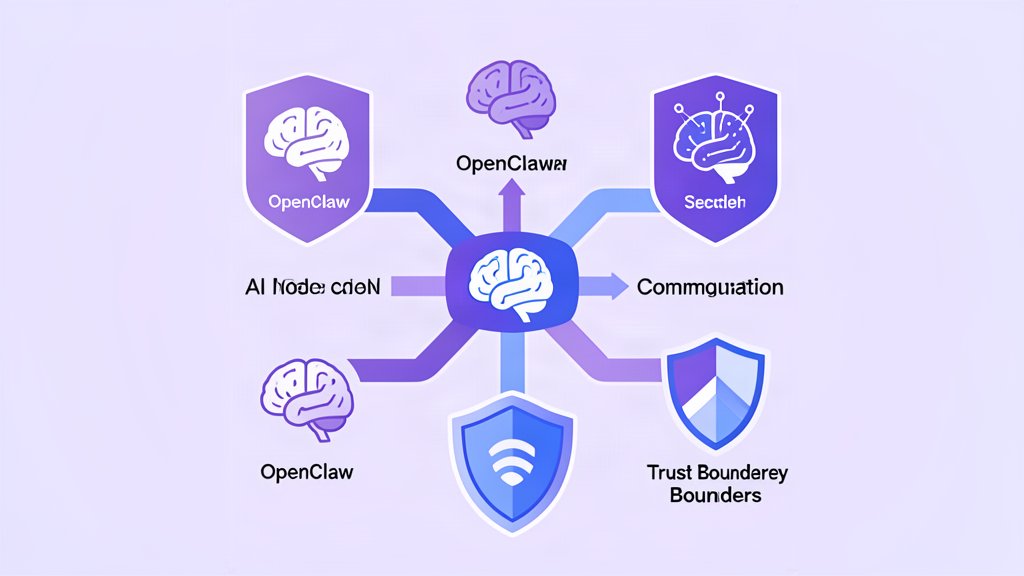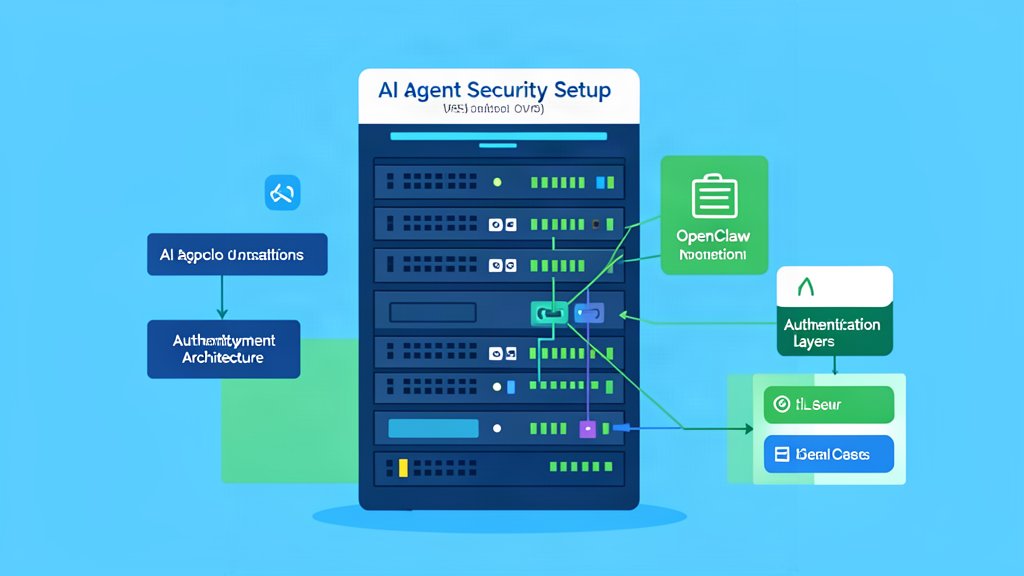
OpenClaw is built to run where you control the machine, which is part of why it is interesting in the first place. The official docs describe it as a local-first AI agent platform that works on macOS, Linux, Windows, Raspberry Pi, and VPS setups. That flexibility is useful, but it also means you should decide your trust boundary before you install anything.
The safest way to think about the setup is simple: choose one machine, one operator boundary, and one initial use case.
Pick The Right Deployment Model
There are two common ways to start.
- Local machine for personal use and private experimentation.
- VPS or dedicated host for 24/7 availability and remote access.
Local runs are usually the easiest starting point because they keep your data, files, and chat history close to you. A VPS makes more sense when you want the assistant to stay online all the time, handle background work, or be reachable from multiple devices.
If you plan to use the assistant with multiple people, split trust boundaries instead of sharing one open gateway. The OpenClaw security docs are explicit about this: one gateway should normally map to one trusted operator boundary.
Install And Onboard
The quick setup flow from the docs is straightforward.
curl -fsSL https://openclaw.ai/install.sh | bash
openclaw onboard --install-daemon
openclaw gateway status
openclaw dashboard
The onboarding step is doing more than convenience work. It is where you select a model provider, configure gateway auth, and verify that the core service is listening. The docs call out port 18789 as the standard gateway port.
After onboarding, send a test message in the Control UI first. That confirms the basic gateway, auth, and chat loop are working before you add more channels or tools.
Add Channels In A Controlled Order
OpenClaw supports many chat surfaces, but that does not mean you should turn them all on at once.
Start with one channel only. Telegram is often the fastest option to wire up, but the same rule applies whether you use WhatsApp, Slack, Discord, or iMessage: keep the first setup small and auditable.
If you are using a phone-number-based channel, consider a dedicated bot number instead of your personal one. That keeps everyday conversations separate from agent traffic.
Set A Baseline Before You Expand
Before exposing anything beyond your local machine, establish a narrow baseline:
- Keep the gateway on loopback unless you have a specific reason not to.
- Require a long shared token or password.
- Keep DM pairing on by default.
- Require mention gates in group chats.
- Start with limited tools and no broad filesystem or exec access.
That baseline lines up with the security guidance in the docs, which repeatedly emphasizes minimal access first, then widening the scope only as needed.
If you are putting the gateway behind a reverse proxy, set trusted proxy headers correctly and make sure the proxy overwrites incoming forwarding headers instead of passing them through blindly.
Choose A Model With The Right Risk Profile
OpenClaw can work with cloud and local models. That sounds convenient, but the model choice matters more than people expect.
For a tool-enabled assistant, prefer a strong, instruction-hardened model. When the assistant can browse, run commands, or touch files, weak models are much easier to steer into bad behavior through prompt injection or untrusted content.
If you only want chat without tools, smaller models may be fine. Once execution enters the picture, the bar goes up.
Verify The Setup Before Going Further
Once the gateway is up, check three things:
- The dashboard loads and you can chat.
- The gateway reports the expected status.
- Your chosen channel can deliver messages only from the sender rules you intended.
If any of those steps behave oddly, fix the boundary before adding more integrations. The hard part of an agent system is not launching it. The hard part is knowing exactly what it can reach.
Bottom Line
Treat OpenClaw like an operator-controlled system, not a casual chatbot.
Install it on one trusted machine, confirm the basic gateway and chat loop, then add channels and tools one at a time. That produces a much safer setup and makes debugging easier when you eventually want to expand it.
Official references: Getting Started and Security.
Related areas
Related What I Do
These What I Do pages are matched from the subject matter of this article, creating a cleaner path from educational content to implementation work.
Continue reading
Related articles
Based on shared categories first, then the strongest overlap in tags.