Most deployment problems start as environment problems.
The app works on one machine, the database is configured a little differently on another, and production starts behaving in ways nobody expected. Docker does not remove all of that complexity, but it gives you one runtime definition that can travel between environments.
Standardize The Runtime First
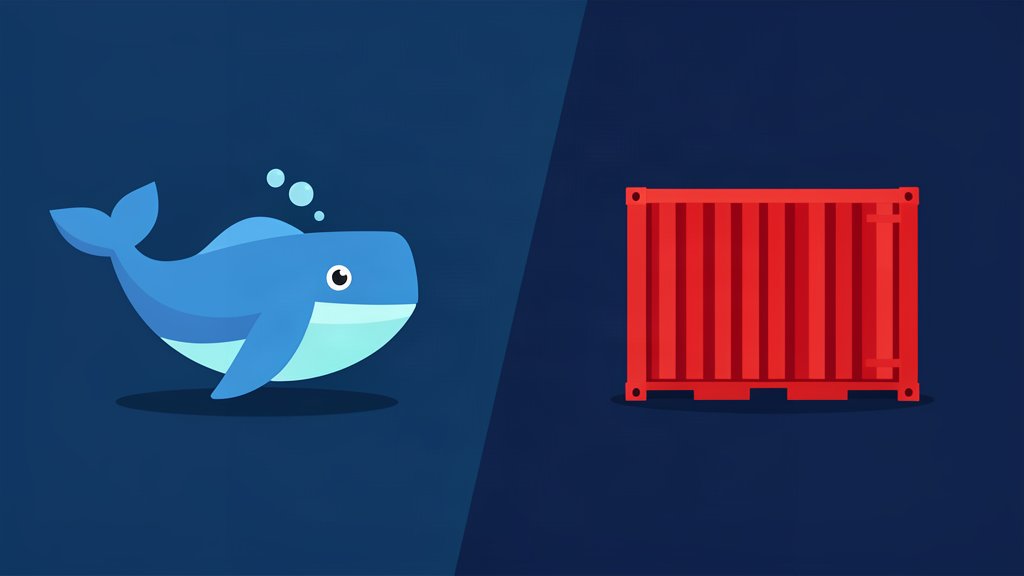
Docker’s current docs still center on the same core idea: package an application and its dependencies into a container so it behaves the same way across systems.
That is the real value for small teams. You are not trying to build a perfect platform. You are trying to make local development, previews, and production less surprising.
If the image contains the application, the entrypoint, and the required runtime packages, the team can debug the same environment shape before and after deploy.
Keep Config Outside The Image
The image should describe how the app runs. Environment-specific settings should stay outside the image.
That usually means:
- environment variables for secrets and API keys,
- compose or deployment files for service wiring,
- mounted volumes only where persistence is needed,
- separate config for staging and production.
This makes the image reusable instead of tied to one server.
Use Docker To Reduce, Not Hide, Complexity
Containers are not a reason to stop thinking about architecture.
If the app needs Nginx in front of it, add Nginx because it has a real job. If the site is static, do not put extra processes into the image just because they fit. Docker should make the runtime predictable, not obscure what the deployment actually does.
That is why Docker works best when the container stays small and the job of each layer is obvious.
Watch For The Operations Creep
Once Docker works, it is tempting to push everything into it.
That is usually a mistake. Logging, reverse proxy rules, backups, and provisioning are different concerns. Docker is strongest when it handles the execution environment while the surrounding tools handle the rest.
If the team later needs orchestration or multi-service patterns, you can add them without changing the underlying habit of explicit runtime definition.
Bottom Line
Docker is most valuable when it helps teams avoid guessing about how the application runs. The fewer differences there are between local, preview, and production, the easier the system becomes to support.
Reference: Docker.
Related areas
Related What I Do
These What I Do pages are matched from the subject matter of this article, creating a cleaner path from educational content to implementation work.
Continue reading
Related articles
Based on shared categories first, then the strongest overlap in tags.