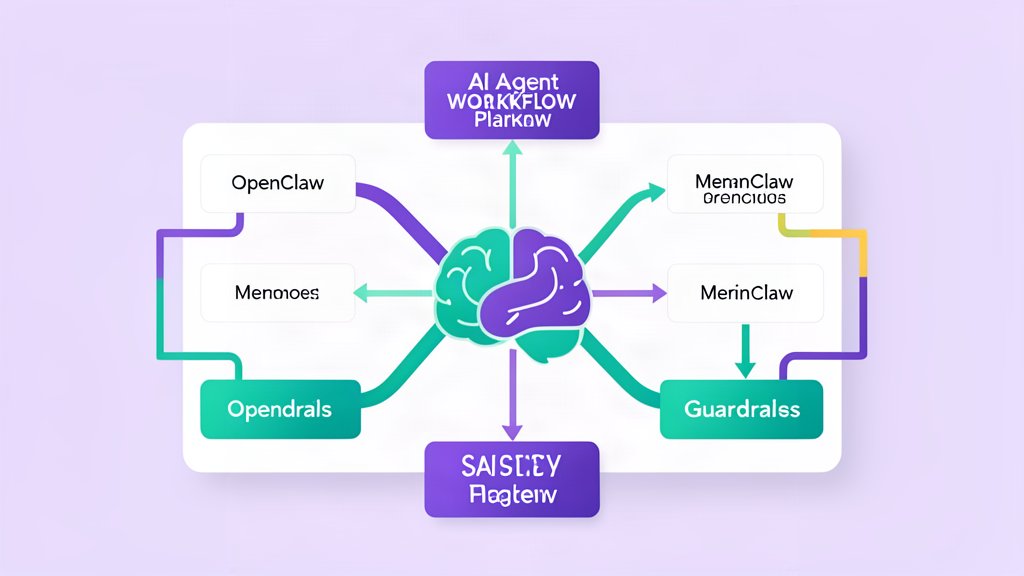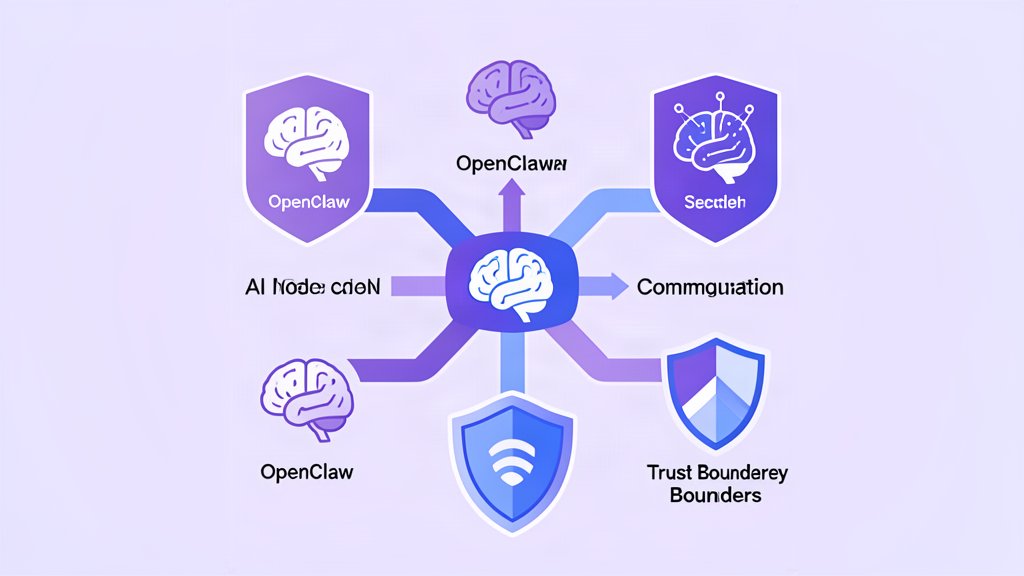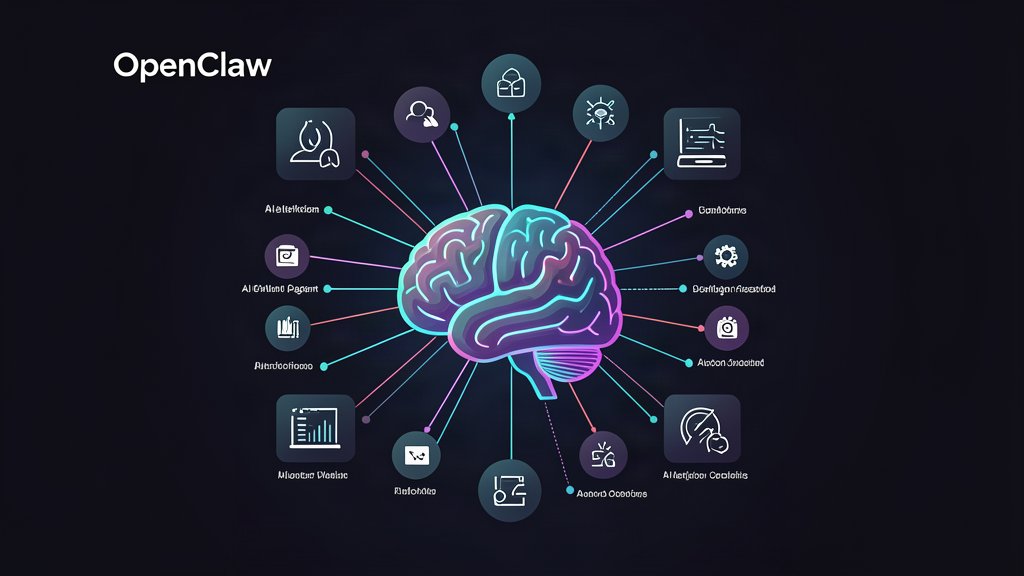
OpenClaw is one of the more interesting 2026 AI tools because it tries to close the gap between conversation and execution.
Instead of stopping at a response, it can connect to the apps and systems you already use, remember context over time, and perform actions on a machine you control. According to the official project site and docs, it is an open-source AI agent platform that runs on your own hardware or VPS, works through chat apps like WhatsApp, Telegram, Discord, Slack, Teams, and iMessage, and can handle tasks such as emails, files, browser actions, and terminal commands.
That makes it different from a normal chatbot. It is not just a text interface. It is an execution layer.
Where OpenClaw Fits
OpenClaw is most useful when the work has three properties:
- The task needs context that should persist over time.
- The work involves more than one app or channel.
- The system must actually do something, not just suggest what to do.
That puts it in the space between chat assistants and automation platforms. A traditional chatbot answers questions. A workflow tool moves data. OpenClaw tries to do both while staying controlled by the user’s own machine and keys.
Why The Local Model Matters
One of the strongest parts of the product is the deployment model. The docs emphasize that OpenClaw runs where you choose: laptop, homelab, VPS, or another machine you control.
That matters because it changes the trust model. Your data, API keys, and context do not need to sit inside a generic hosted SaaS layer if you do not want them there. For teams that care about privacy, internal tooling, or custom control, that is a meaningful architectural decision rather than a marketing bullet.
It also makes OpenClaw a better fit for people who want a personal or team-wide assistant that can be adapted over time instead of replaced every quarter.
What It Can Do
The official docs describe a platform that can read emails, manage files, browse websites, run shell commands, interact with calendars, and extend itself with skills and plugins. The same docs also point to persistent memory and multi-channel use, which means the assistant can keep state across sessions rather than acting statelessly every time you open it.
That combination is powerful because it creates a real operating loop:
- Receive a request through a chat channel.
- Retrieve context from memory.
- Decide which tools or skills are needed.
- Execute the task on the machine or connected services.
- Report back with progress or results.
That is a more useful mental model than “AI chat app.”
Why It Matters For Consulting Work
For consulting, OpenClaw is interesting because it can sit inside actual business processes.
It is relevant for support tasks, browser-based lookups, inbox cleanup, small operational automations, knowledge retrieval, and routine actions that are still too messy for a fully deterministic workflow. It is also useful in environments where someone wants direct control over the machine but still wants the assistant to be proactive.
If you are already using a stack of APIs, dashboards, and messaging tools, OpenClaw is worth evaluating as a layer that turns those pieces into something a human can command in plain language.
The Short Version
OpenClaw matters because it turns AI from a conversational tool into a controllable execution system.
If your work needs memory, multi-channel access, browser control, and real machine actions, it is closer to a personal operating layer than a normal chatbot. That is exactly why it is worth watching.
Official resources: OpenClaw and project docs.
Related areas
Related What I Do
These What I Do pages are matched from the subject matter of this article, creating a cleaner path from educational content to implementation work.
Continue reading
Related articles
Based on shared categories first, then the strongest overlap in tags.