
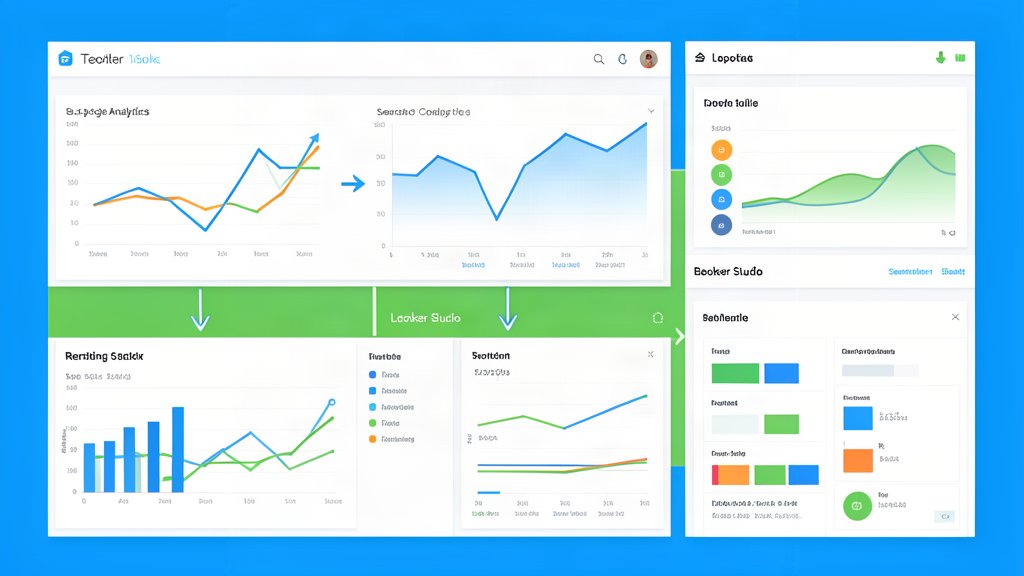
How to Automate Monthly Website Reporting With Google Analytics 4, Search Console, and Looker Studio
Monthly reporting becomes much easier when analytics, search visibility, and dashboards are designed to work together from the start.
Tag
6 matching blog articles with repeat coverage under this topic.
Tag wiki
Definition
Analytics collects and analyzes user behavior data to understand how people use websites and apps, revealing patterns, drop-off points, and conversion drivers.
Why it matters
It matters when visibility into user behavior shapes product priorities and business decisions.
In this archive
In this archive analytics appears in tracking setup, data interpretation, measurement strategy, tool configuration, and decisions about what metrics actually matter. It currently appears in 6 articles and crosses 2 categories.
Nearest categories
Reference
Often appears with
Monthly reporting becomes much easier when analytics, search visibility, and dashboards are designed to work together from the start.
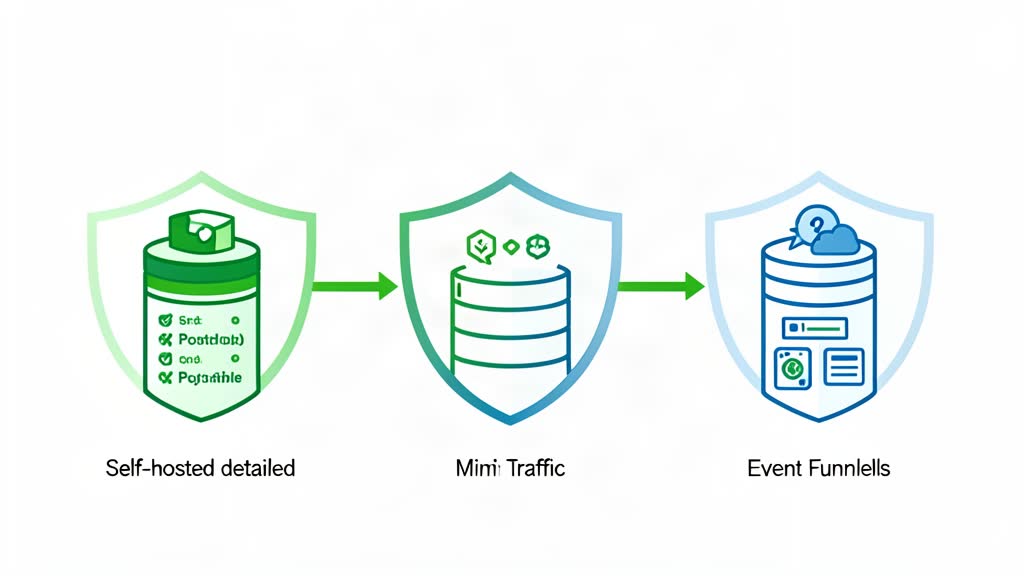
Matomo, Plausible, and PostHog solve different analytics problems, so the right choice depends on reporting depth, privacy, and product tracking needs.
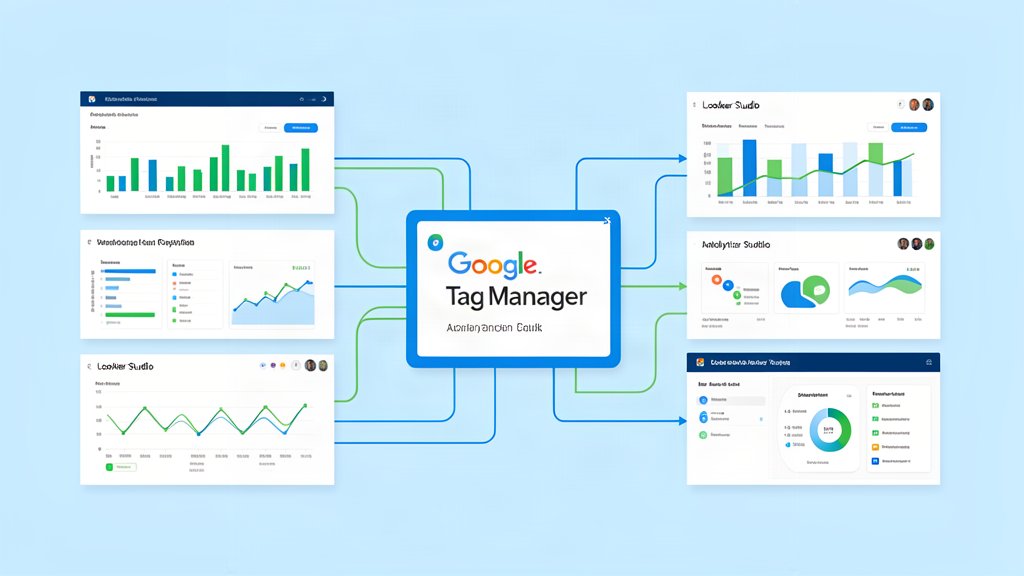
Google Tag Manager and Looker Studio work best as the center of a simple measurement system with clear reporting and naming rules.
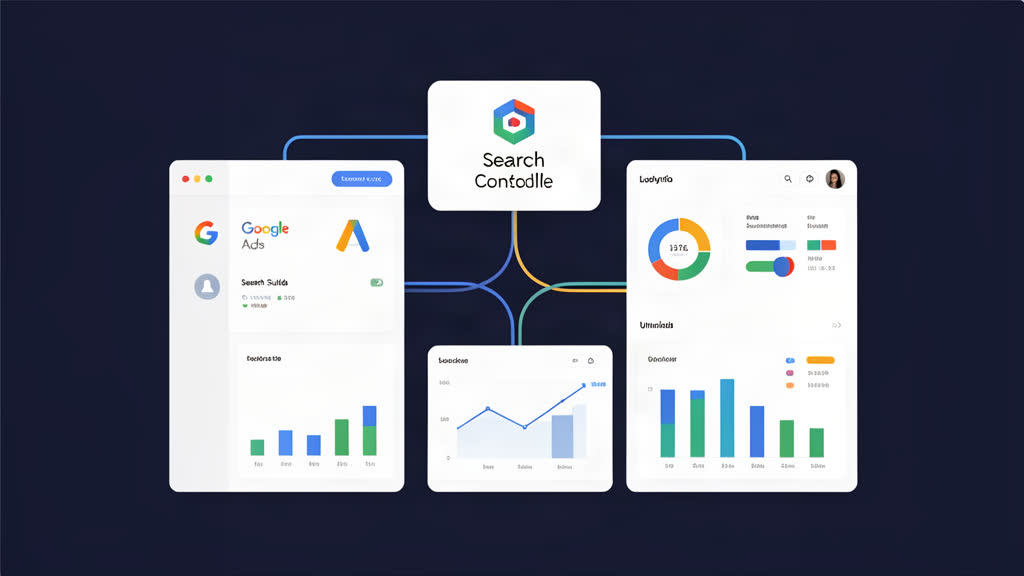
Google Ads, Search Console, and Looker Studio work best when they answer one question at a time instead of trying to cover everything at once.
Small service sites usually need fewer tracking layers, not more. A better setup uses first-party measurement, clear notices, and consent only where it is needed.

Take back control with Matomo - a powerful, secure, web analytics platform that gives you 100% data ownership and user privacy protection.